
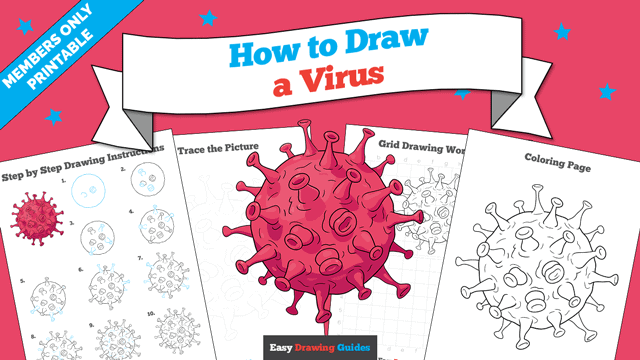
Learn how to draw a great looking Virus with easy drawing instructions and video tutorial.
By following the simple steps, you too can easily draw a perfect Virus.
Step-by-Step Instructions for Drawing a Virus
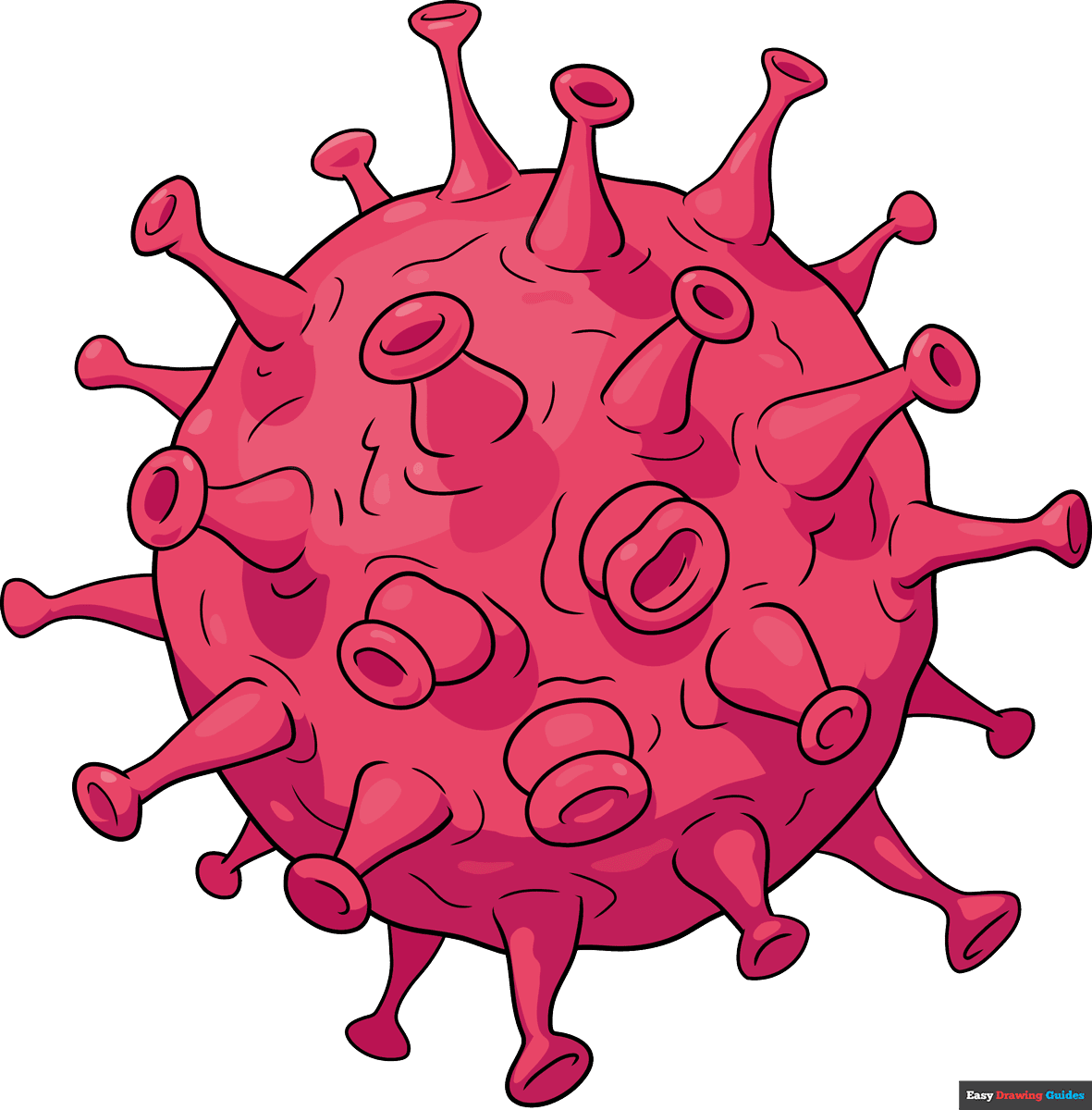
How to Draw a Great Looking Virus for Kids and Beginners - Step 1
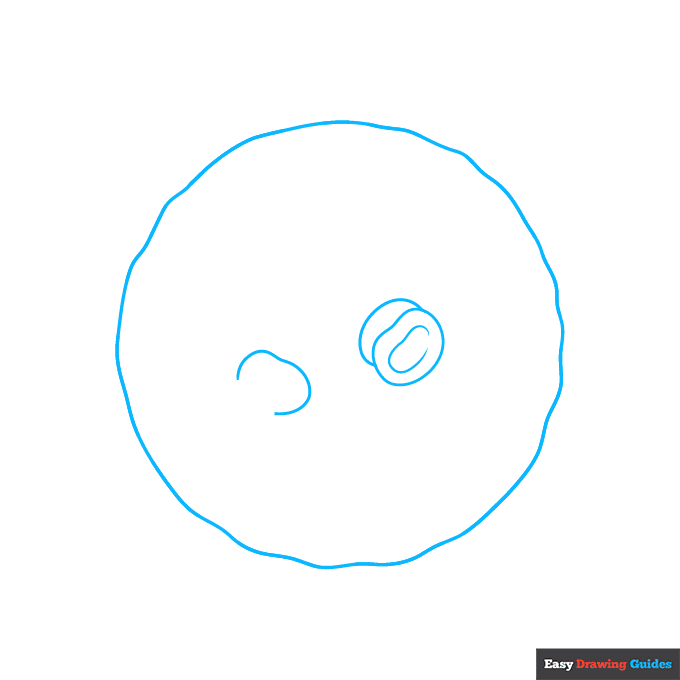
1. Begin the virus outline by drawing a circular shape. Use a wavy, squiggly line so that it has texture and is not perfectly round. Then draw several round shapes and "C" shaped lines inside it, again making them squiggly.
Drawing Step 2
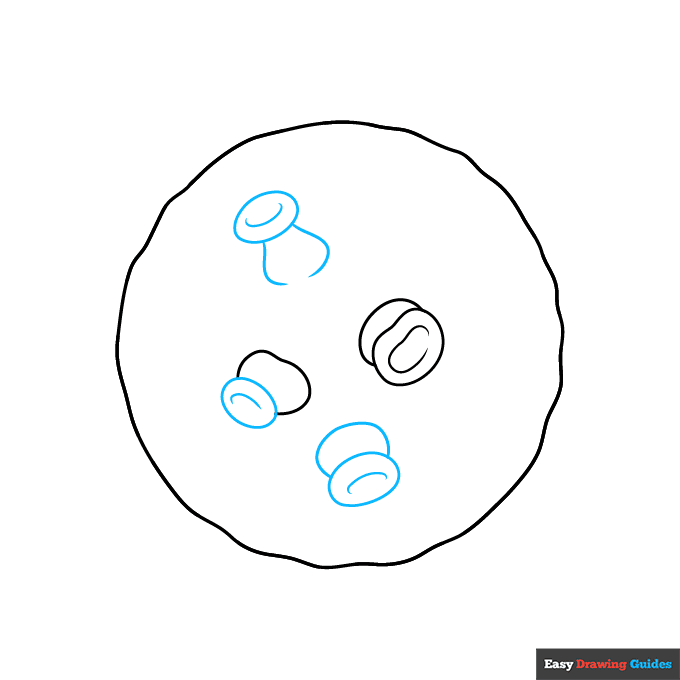
2. Draw more round shapes with "C" shaped lines inside. Use curved lines to enclose their round bases. These are called envelope proteins or spike glycoproteins.
Unlock AD FREE and PRINTABLE drawing and coloring tutorials
- 1,900+ drawing & coloring PDFs
- 50+ ebooks
- Ad-free website
Drawing Step 3
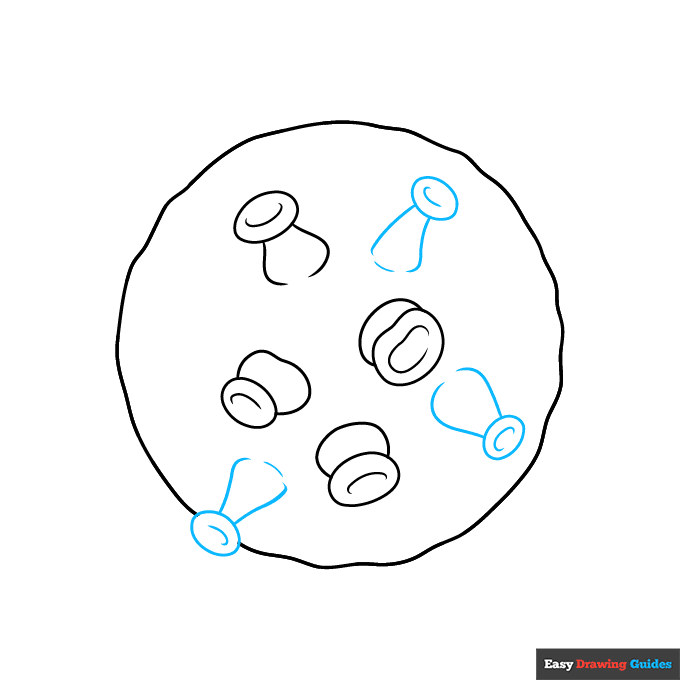
3. Draw more round shapes with "C" shaped lines inside. Make their bases longer and more triangular in shape, using curved lines for the sides. Erase as necessary as they spill over the sides.
Drawing Step 4
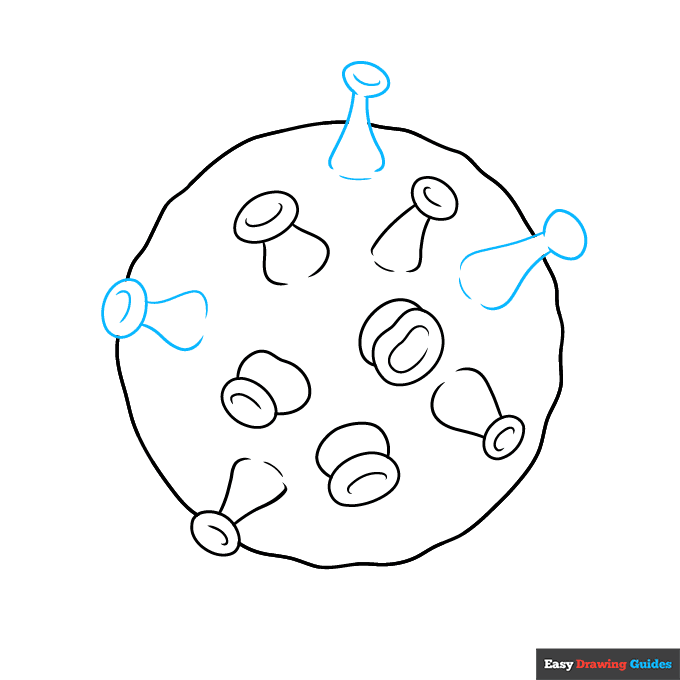
4. Draw more spike proteins, using curved lines and erasing as necessary.
Drawing Step 5

5. Draw more spike proteins, using curved lines and erasing as necessary.
Drawing Step 6

6. Draw more spike proteins, using curved lines and erasing as necessary. Notice that they appear longer and skinnier as you view them from a different angle.
Drawing Step 7

7. Draw more spike proteins, using curved lines and erasing as necessary.
Add More Details to Your Virus Picture - Step 8
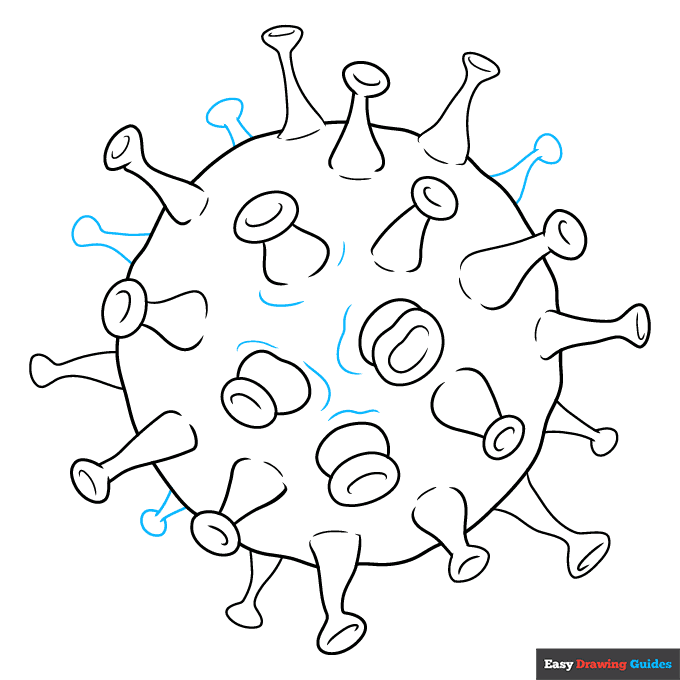
8. Use curved lines to draw more spike proteins and to texture the surface of the virus.
Complete the Outline of Your Virus Drawing - Step 9
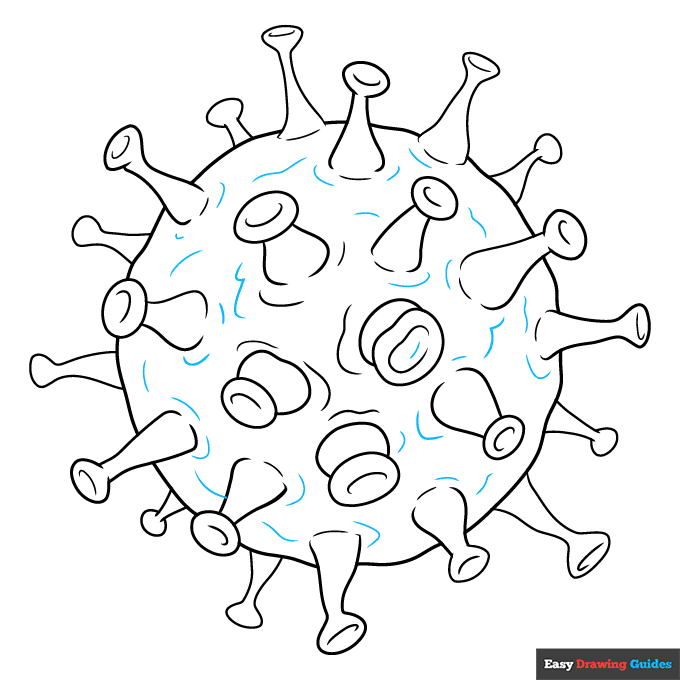
9. Texture the surface of the virus with many wavy, squiggly lines.
Color Your Virus Drawing

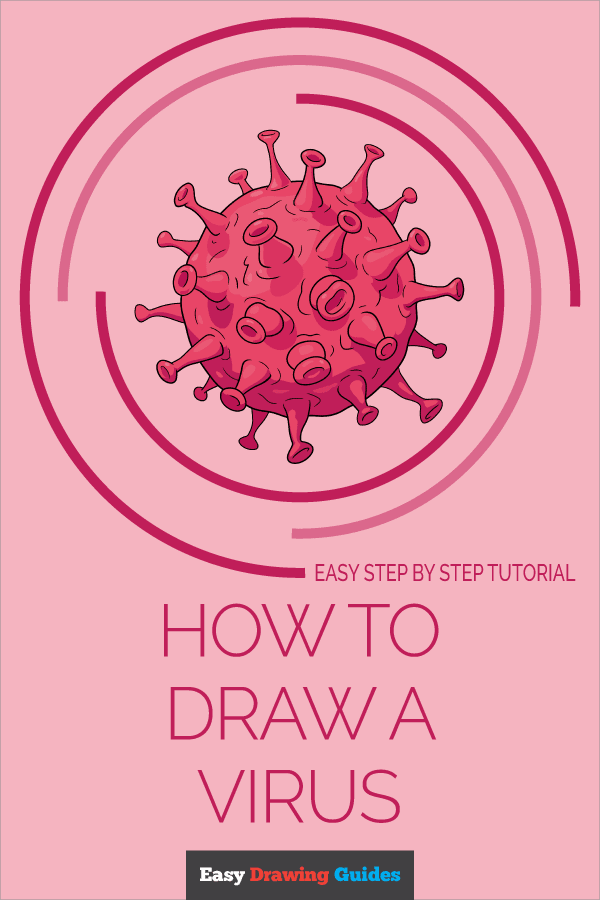
Your virus outline is now complete. Color the virus. Viruses are so small that we can't see them. Often, diagrams of viruses use different colors for the different parts. Red is a common color.
Watch 'How to Draw a Virus' Video Tutorial
Learn More About The Virus Drawing
What's the scariest thing you can think of to draw? For some people, it might be a coronavirus like the one pictured in this virus drawing guide.
Viruses come in many shapes and sizes. They are made from proteins, and scientists still debate whether they are alive - they do some of the things that living things do, but not others. Viruses are even smaller than other microorganisms, like the one in this bacteria drawing.
The round shape and spiky proteins give this type of virus its name. 'Corona' means 'crown.' The spikes resemble a crown. So 'coronavirus' means 'crown-shaped virus.'
During cold and flu season, you can make a poster reminding others how to be safe and stay well. Learn how to draw washing hands to add that reminder to your campaign.
You can even learn how to draw a face mask. When you're sick, wearing a mask can keep the viruses in your mucus and saliva from getting to other people when you sneeze.
Virus Drawing Tutorial - Easy & Fun Printable Pages
Join now and get immediate access to thousands of printable drawing instruction and practice pages!
Learn how to get access to thousands of printable pages!

MEMBER TROUBLESHOOTING
Still seeing ads or not being able to download the PDF?
First, check that you're logged in. You can log in on the member login page.
If you're still not able to download the PDF, the likely solution is to reload the page.
You can do this by clicking the browser reload button.
It is a circular arrow-shaped icon at the top of the browser window, typically found in the upper-left side (you can also use keyboard shortcuts: Ctrl+R on PC and Command+R on Mac).