
Learn how to draw a great looking Bacon Hair from Roblox with easy drawing instructions and video tutorial.
By following the simple steps, you too can easily draw a perfect Bacon Hair from Roblox.
Step-by-Step Instructions for Drawing a Bacon Hair from Roblox
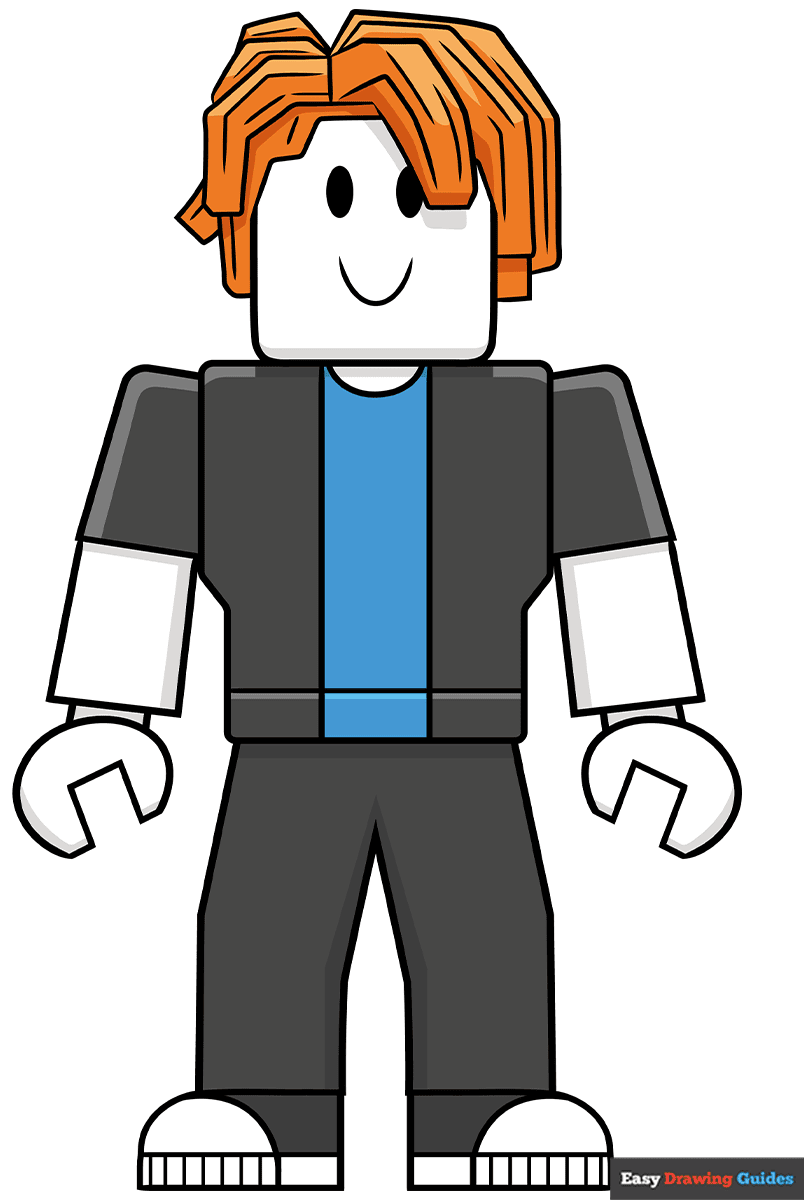
How to Draw a Great Looking Bacon Hair from Roblox for Kids and Beginners - Step 1

1. Draw a semi-rectangle with rounded corners. On top of the rectangle, sketch three straight lines and an L-shape, then add two ovals and a curve underneath.
Drawing Step 2

2. Use straight lines to outline the chunks of hair on the left, then add a a curved shape that looks like a blocky banana for the hunk on the right. Sketch two lines inside this shape for added depth.
Unlock AD FREE and PRINTABLE drawing and coloring tutorials
- 2,600+ drawing & coloring PDFs
- 50+ ebooks
- Ad-free website
Drawing Step 3
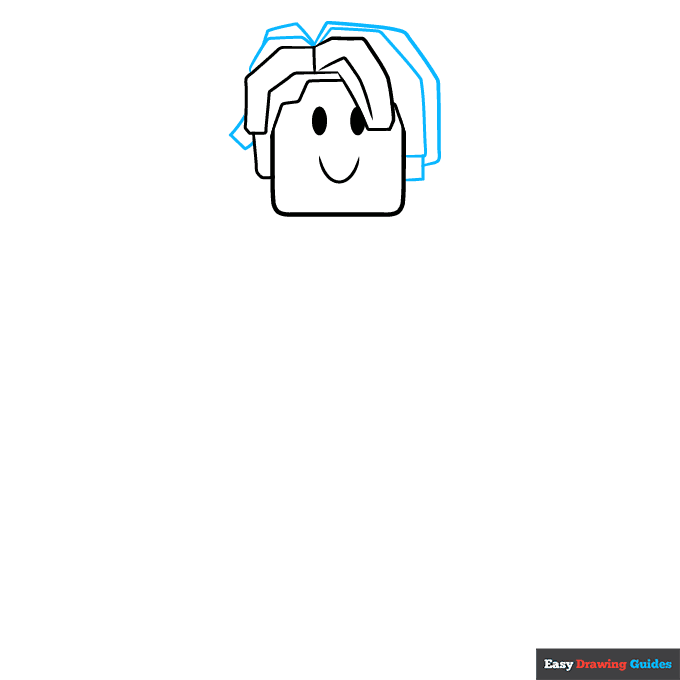
3. Outline the rest of the hair with more squares, rectangles and straight lines. Make sure these blocky shapes overlap each other.
Drawing Step 4
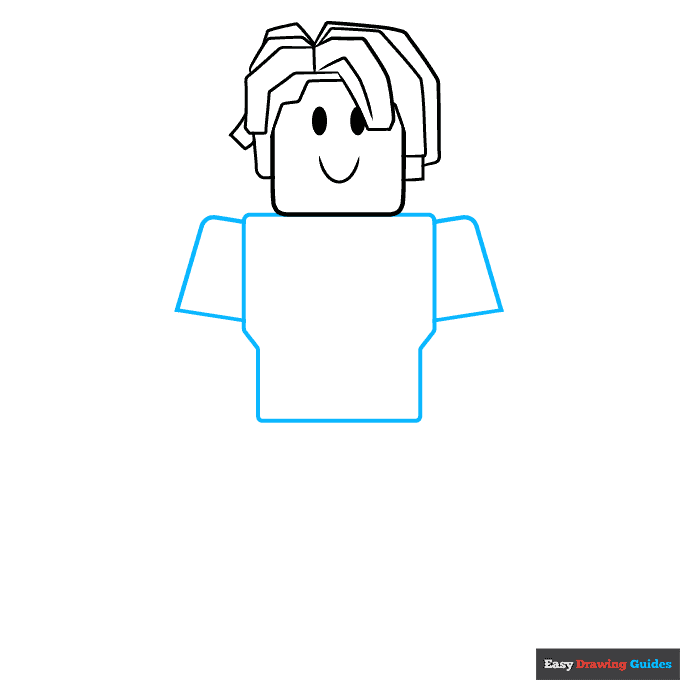
4. For the chest, start with a rectangle, then add two short diagonal lines and sketch two vertical lines underneath. Complete the shape with a horizontal line. To outline the sleeves, draw rounded rectangles with flat bottoms.
Drawing Step 5
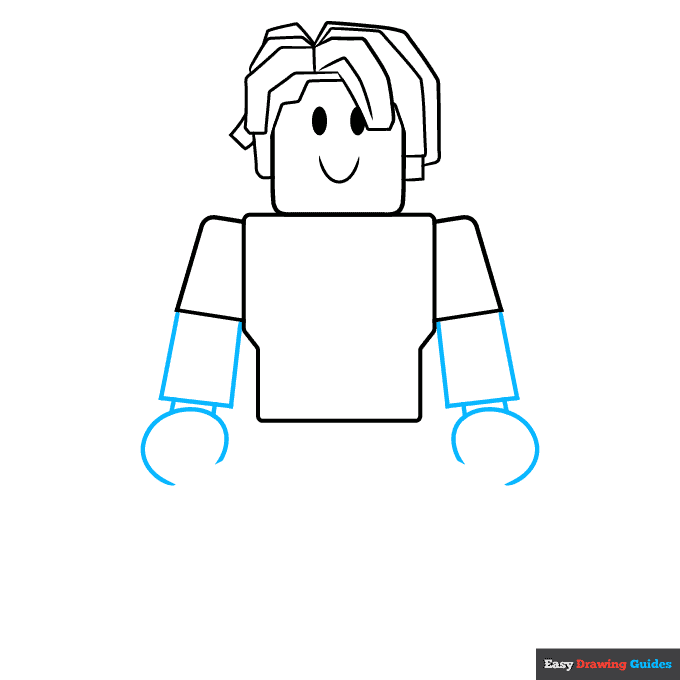
5. Sketch a rectangle and a semicircle on each side, then connect the shapes with short dashes.
Drawing Step 6
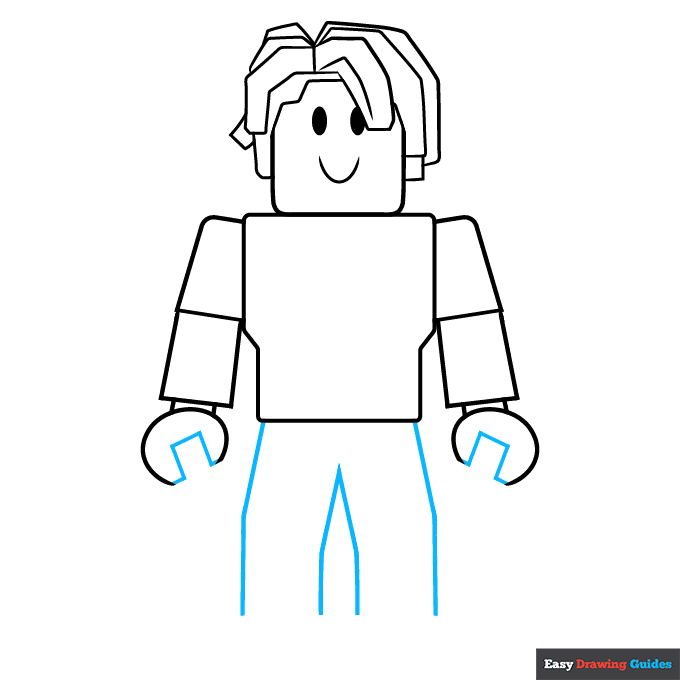
6. Inside each semicircle, draw a square and two straight lines. For the legs, sketch diagonal lines on either side, then add an arrow inside this shape.
Drawing Step 7
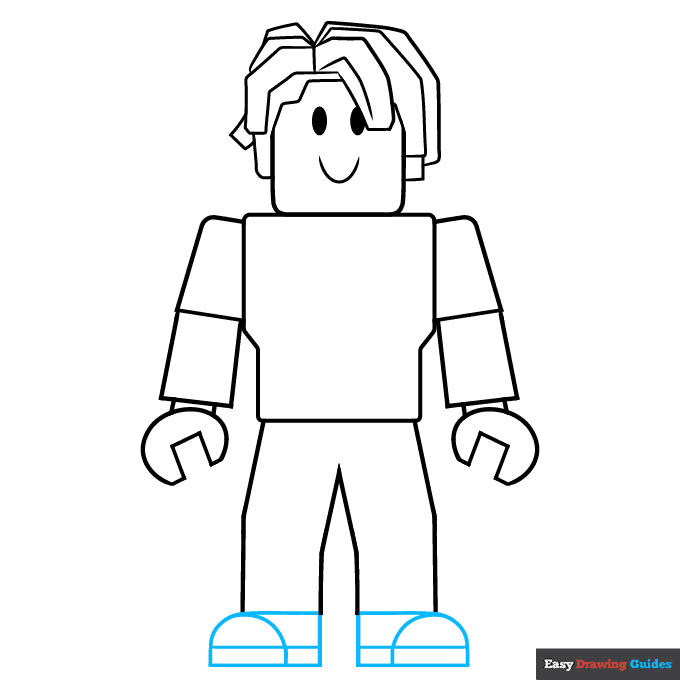
7. For each shoe, draw a semicircle with a rectangle behind it, then draw a straight line through these shapes. Make the shoes face in opposite directions so it looks like the character is standing naturally with feet apart.
Add More Details to Your Bacon Hair from Roblox Picture - Step 8
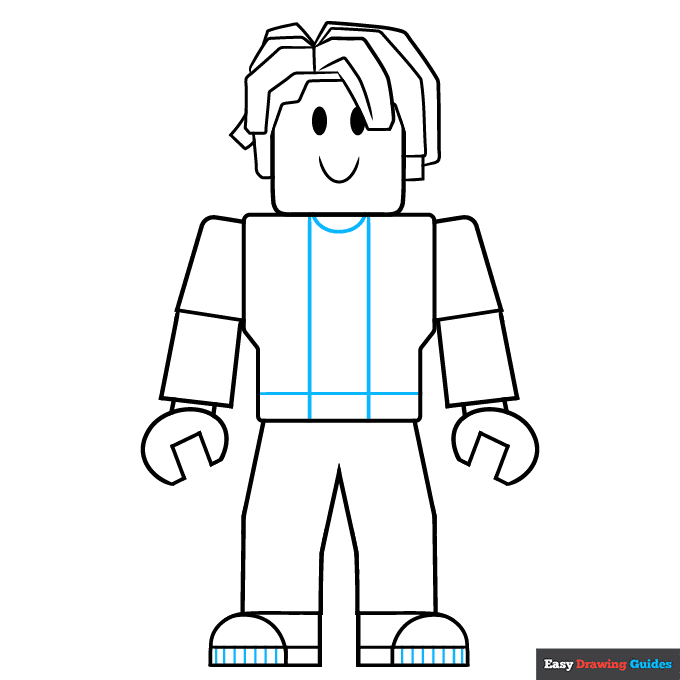
8. Sketch a small curve beneath the head. Add two straight vertical lines and a horizontal line near the bottom.
Complete the Outline of Your Bacon Hair from Roblox Drawing - Step 9
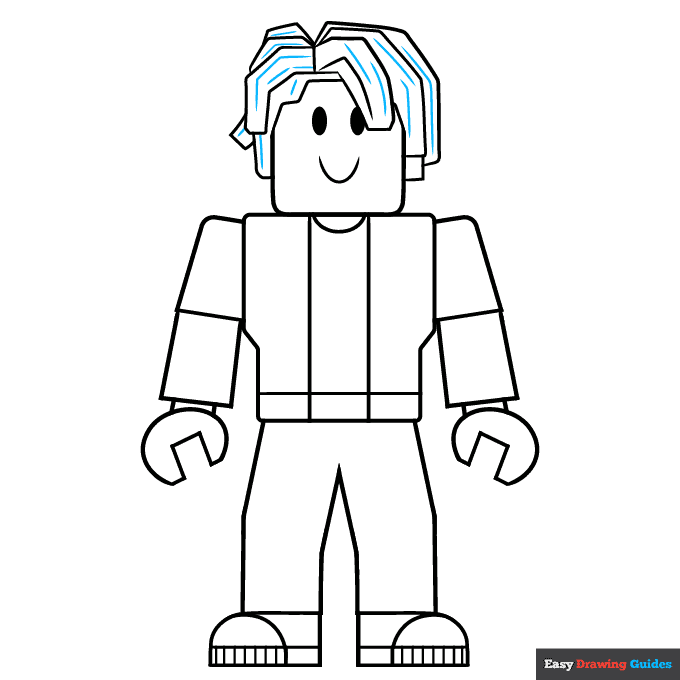
9. Draw straight and curvy lines inside the hair for added texture. Finally, outline your Bacon Hair from Roblox drawing with black ink, then erase the pencil lines once the ink dries.
Color Your Bacon Hair from Roblox Drawing
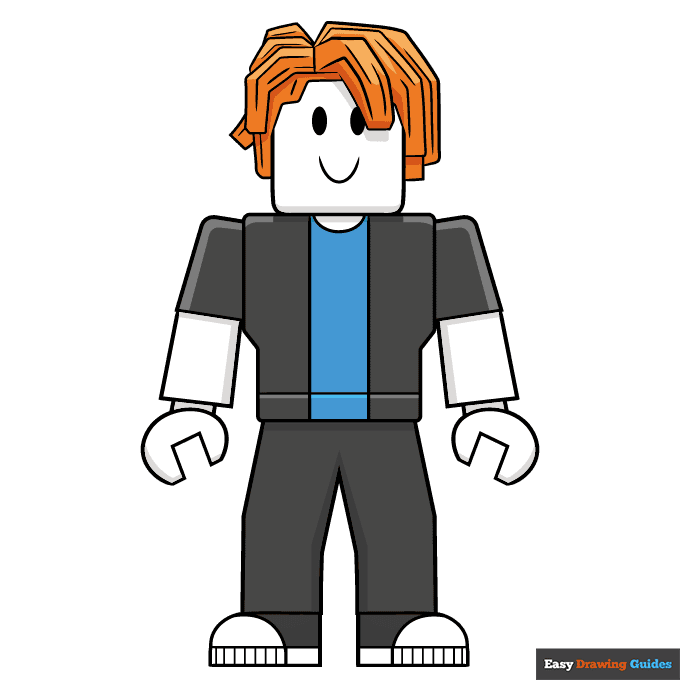
Color your easy Bacon Hair from Roblox with orange for the hair, blue for the shirt and grey for the pants and jacket. Leave the rest of the body white, then add grey shadows.
Now that you've mastered this guide, learn how to draw the Roblox Piggy or check out this step-by-Roblox zombie drawing guide.
Watch 'How to Draw Bacon Hair from Roblox' Video Tutorial
Click HERE to save the tutorial to Pinterest!
Learn More About The Bacon Hair from Roblox Drawing
Bacon Hair is the starter avatar that you get when you sign up for Roblox. Learn how to draw Bacon Hair from Roblox in a blocky art style.
Roblox characters have simple shapes that resemble Lego bricks. To draw Bacon Hair, you'll use a lot of squares, rectangles and diagonal lines. You might want to grab a ruler to make sure the lines are perfectly straight.
With two ovals for eyes and a curve for the mouth, Bacon Hair has simplistic features that anyone can draw. Once you've completed this guide, you could try giving Bacon Hair different expressions. How would you make Bacon Hair look sad, angry, surprised or shocked?
Bacon Hair from Roblox Drawing Tutorial - Easy & Fun Printable Pages
Join now and get immediate access to thousands of printable drawing instruction and practice pages!
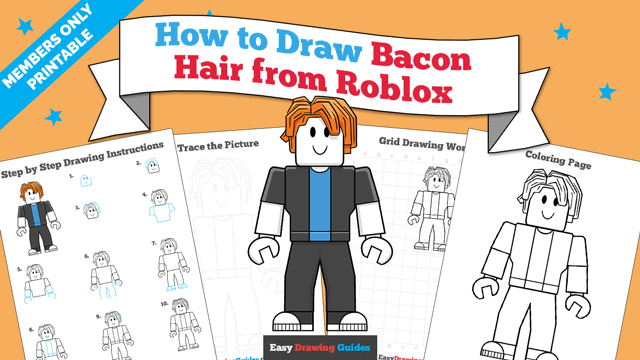
Learn how to get access to thousands of printable pages!

MEMBER TROUBLESHOOTING
Still seeing ads or not being able to download the PDF?
First, check that you're logged in. You can log in on the member login page.
If you're still not able to download the PDF, the likely solution is to reload the page.
You can do this by clicking the browser reload button.
It is a circular arrow-shaped icon at the top of the browser window, typically found in the upper-left side (you can also use keyboard shortcuts: Ctrl+R on PC and Command+R on Mac).