
Learn how to draw a great looking Lilypad from Toy Story with easy drawing instructions and video tutorial.
By following the simple steps, you too can easily draw a perfect Lilypad from Toy Story.
Step-by-Step Instructions for Drawing Lilypad from Toy Story

How to Draw a Great Looking Lilypad from Toy Story for Kids and Beginners - Step 1
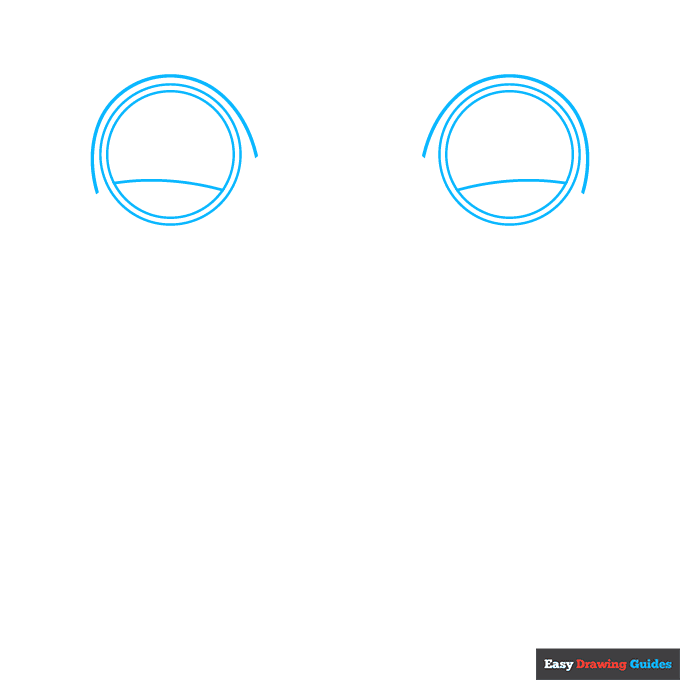
1. Begin the Lilypad from Toy Story outline by drawing her eyes. Draw two large circles, each with a slightly smaller circle inside it.
Draw a curved line across each of the smaller circles and around the top of the larger circles.
Drawing Step 2
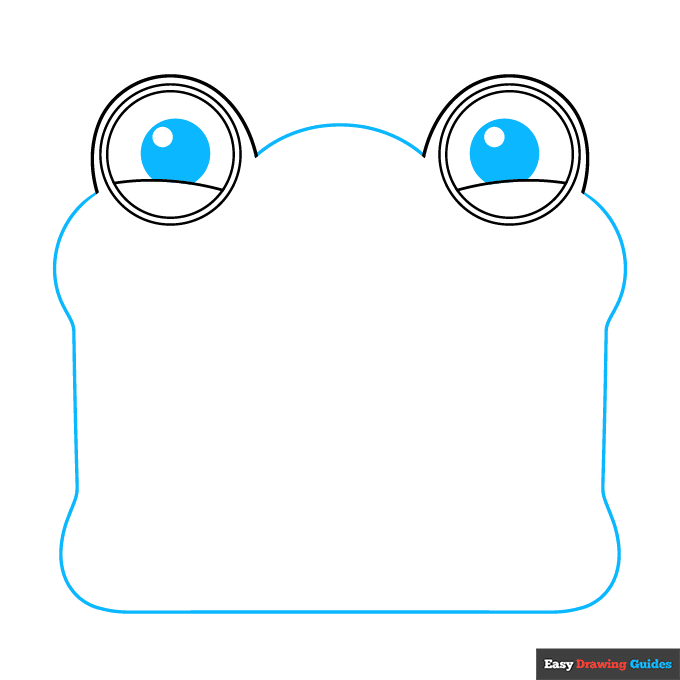
2. Enclose a partial circle within each eye, and draw an even smaller circle inside it. Shade between them.
Then, connect the eyes with a curved line. Outline the tablet with a long curved line, noting the bulges at each of the four corners.
Unlock AD FREE and PRINTABLE drawing and coloring tutorials
- 2,600+ drawing & coloring PDFs
- 50+ ebooks
- Ad-free website
Drawing Step 3
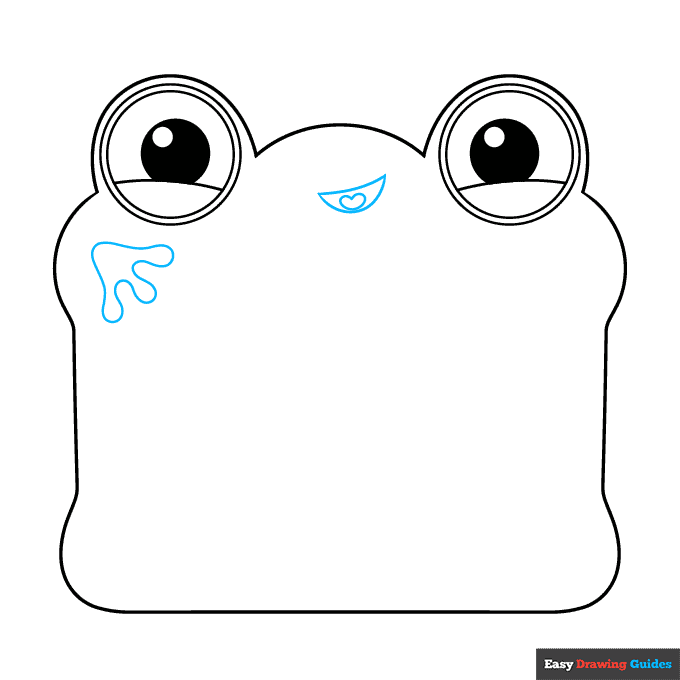
3. Use curved lines to sketch the crescent-shaped mouth. Draw a heart-shaped tongue inside it. Then, use a long curved line that doubles back on itself many times to sketch the three-toed foot.
Drawing Step 4
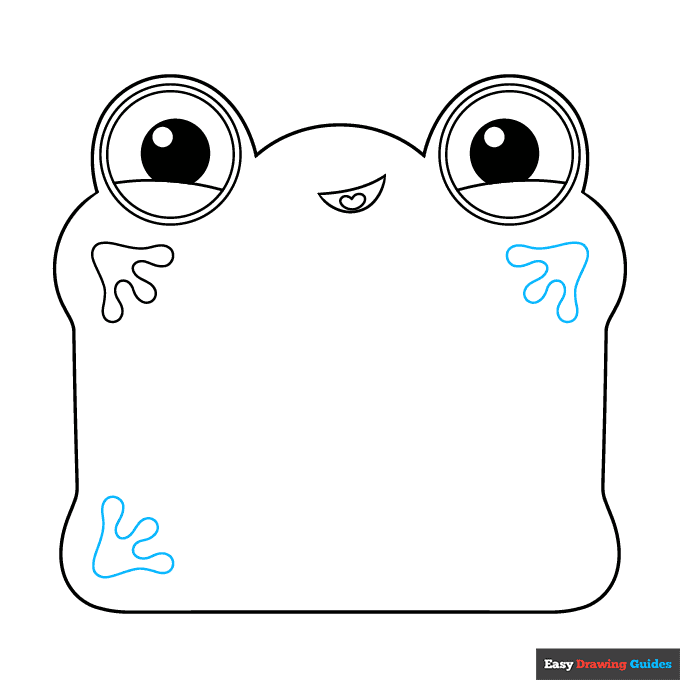
4. Draw two more feet at the corners. Again, use long curved lines that double back on themselves.
Drawing Step 5
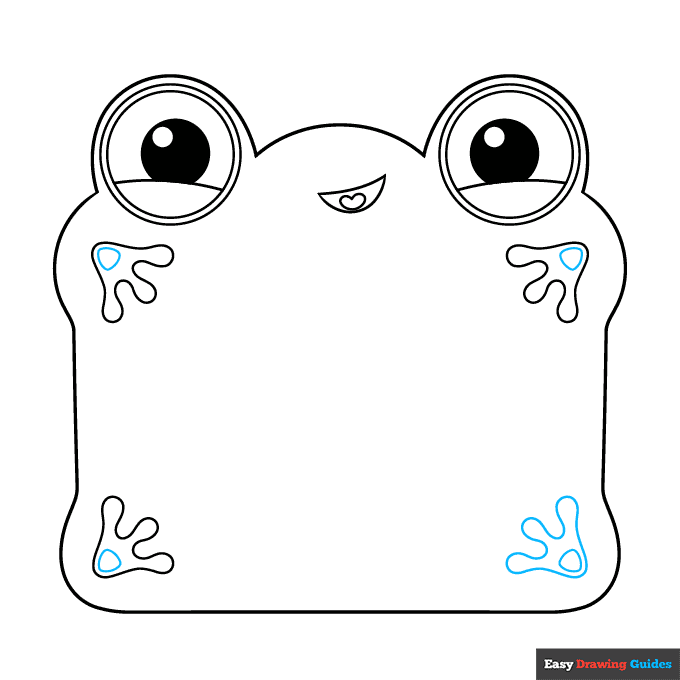
5. Draw the fourth and final foot. Then, draw a rounded triangle shape within each foot.
Drawing Step 6
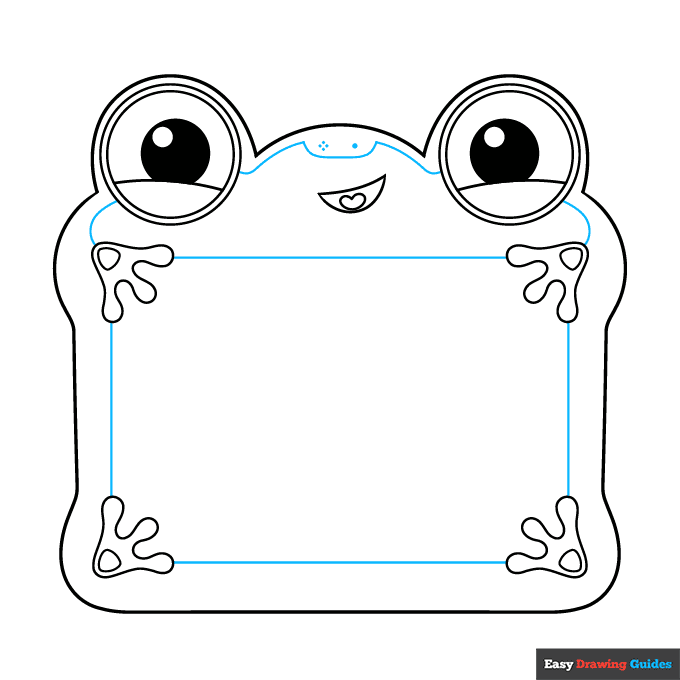
6. Draw straight lines between the feet, outlining the rectangular scree. Define the face with curved lines and dots.
Drawing Step 7
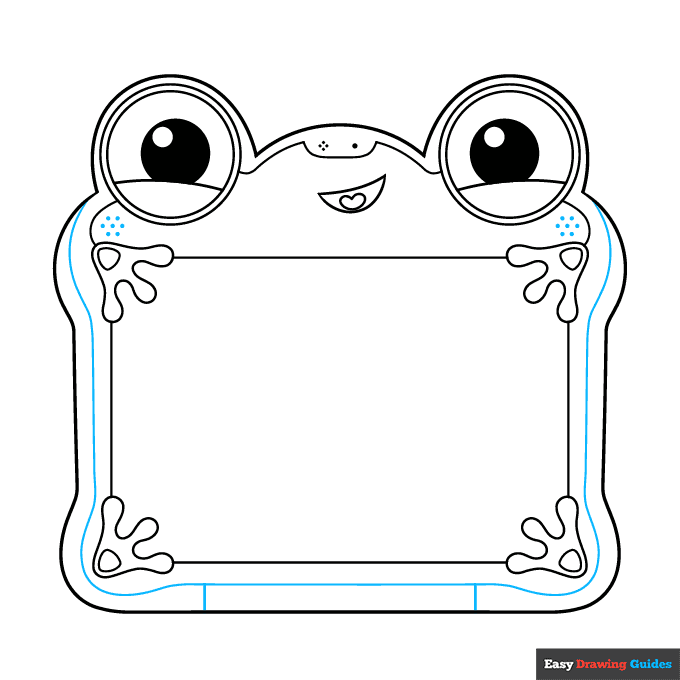
7. Draw a long curved line along the outer edge of the tablet. Then, draw two lines between it and the outline at the bottom.
Add More Details to Your Lilypad from Toy Story Picture - Step 8
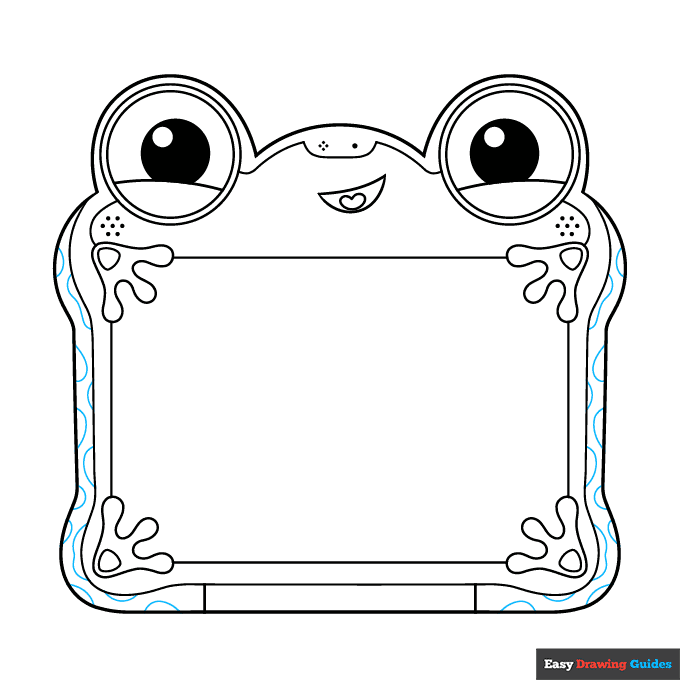
8. Decorate the edges of the tablet with spots. Use curved lines to create the wavy, blotchy pattern.
Complete the Outline of Your Lilypad from Toy Story Drawing - Step 9
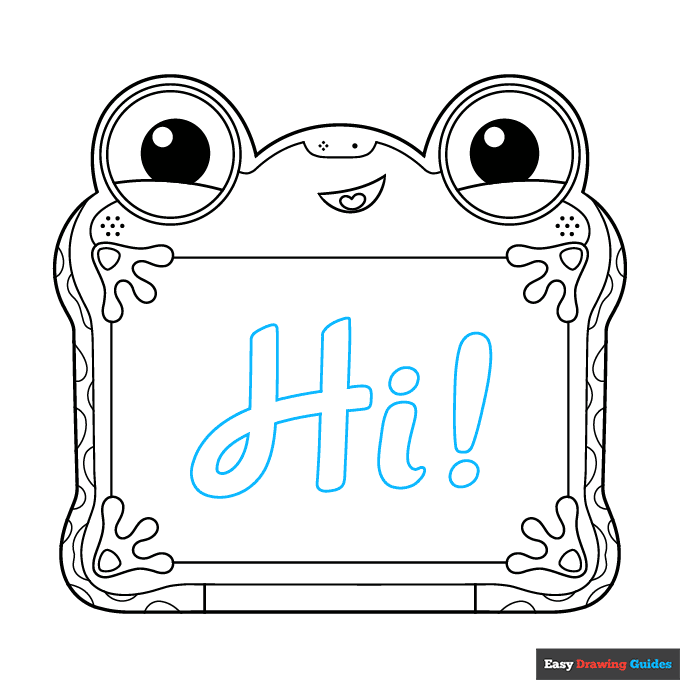
9. Outline the letters, "Hi!" in a thick, fancy, cursive script on the screen of the tablet.
Color Your Lilypad from Toy Story Drawing

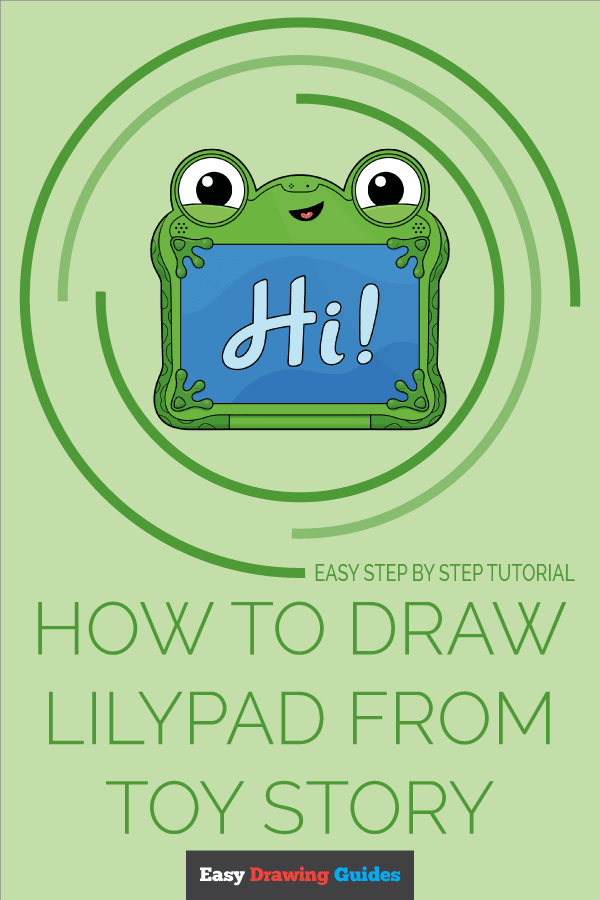
Your Lilypad from Toy Story outline is now complete. Color your character. Lily is mostly green with large white eyes and a pink tongue.
In one of the movie posters, the message on her screen is light blue with a darker blue background.
Watch 'How to Draw Lilypad from Toy Story' Video Tutorial
Click HERE to save the tutorial to Pinterest!
Learn More About The Lilypad from Toy Story Drawing
What do you like better, toys or video games? You can learn how to draw Lilypad from Toy Story to get in on the debate.
Lilypad, or Lily for short, is a tablet with a fun frog-shaped frame. She belongs to Bonnie and hopes to capture her attention and make her forget her other toys.
Like her tablet screen, Lily is mostly rectangular in shape. Her face and large eyes are positioned above the screen, and her feet are at its four corners. She can display messages on the screen.
It's playtime! You can draw more of Bonnie's favorite toys. Check out this Woody drawing or this Buzz Lightyear drawing.
Lilypad from Toy Story Drawing Tutorial - Easy & Fun Printable Pages
Join now and get immediate access to thousands of printable drawing instruction and practice pages!
Learn how to get access to thousands of printable pages!

MEMBER TROUBLESHOOTING
Still seeing ads or not being able to download the PDF?
First, check that you're logged in. You can log in on the member login page.
If you're still not able to download the PDF, the likely solution is to reload the page.
You can do this by clicking the browser reload button.
It is a circular arrow-shaped icon at the top of the browser window, typically found in the upper-left side (you can also use keyboard shortcuts: Ctrl+R on PC and Command+R on Mac).