
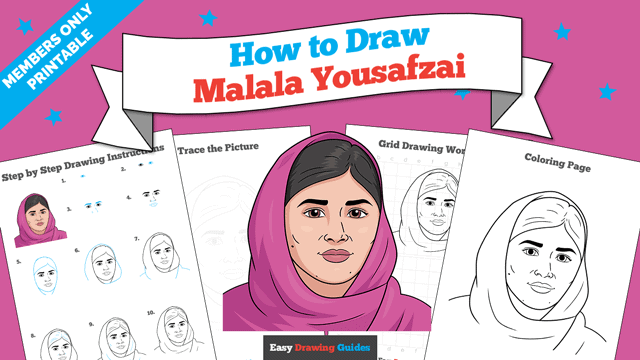
Learn how to draw a great looking Malala Yousafzai with easy drawing instructions and video tutorial.
By following the simple steps, you too can easily draw a perfect Malala Yousafzai.
Step-by-Step Instructions for Drawing Malala Yousafzai
How to Draw a Great Looking Malala Yousafzai for Kids and Beginners - Step 1
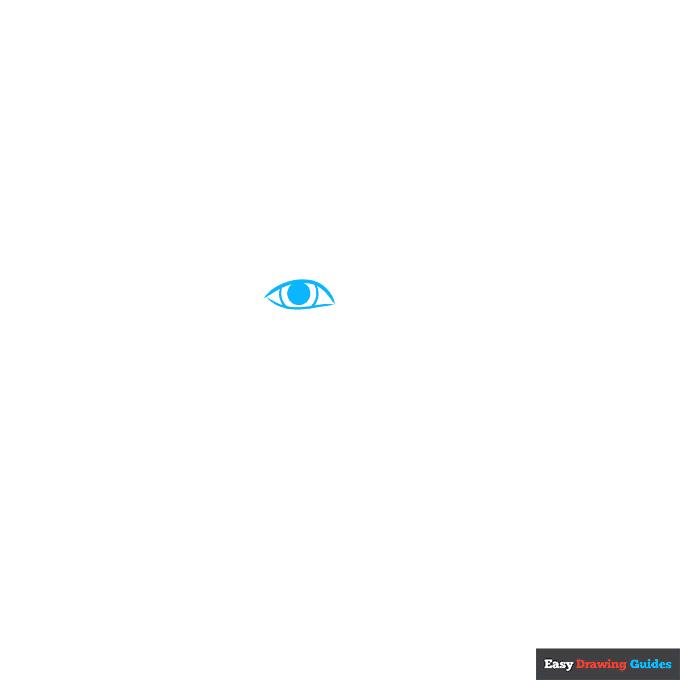
1. Begin the Malala Yousafzai outline by drawing the girl's eye. Use a pair of curved lines that don't quite meet at the corners to outline the eye.
Enclose two partial circles inside the eye; shade the smaller one to indicate the pupil.
Drawing Step 2
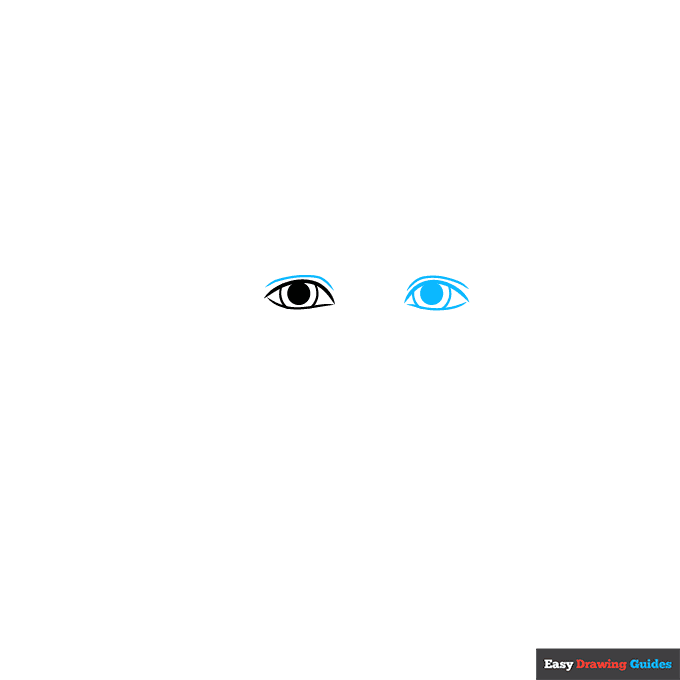
2. Draw the remaining eye. Again, use a pair of curved lines that don't quite meet at the corners to outline the eye.
Enclose two partial circles inside the eye; shade the smaller one to indicate the pupil. Contour the eyelids with a curved line above each eye.
Unlock AD FREE and PRINTABLE drawing and coloring tutorials
- 1,900+ drawing & coloring PDFs
- 50+ ebooks
- Ad-free website
Drawing Step 3
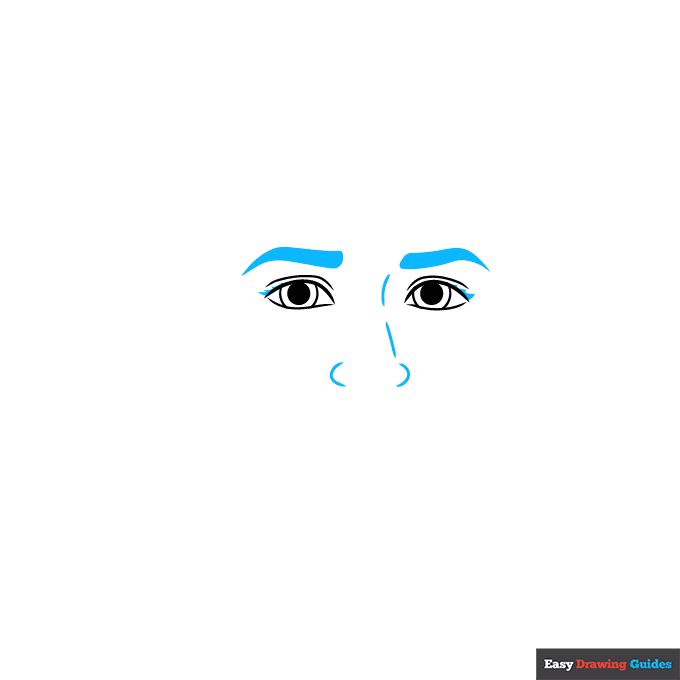
3. Shade thick, pointed eyebrows above the eyes. Then, use curved lines to sketch the nose. Shade small triangles at the corners of the eyes to indicate eyelashes.
Drawing Step 4
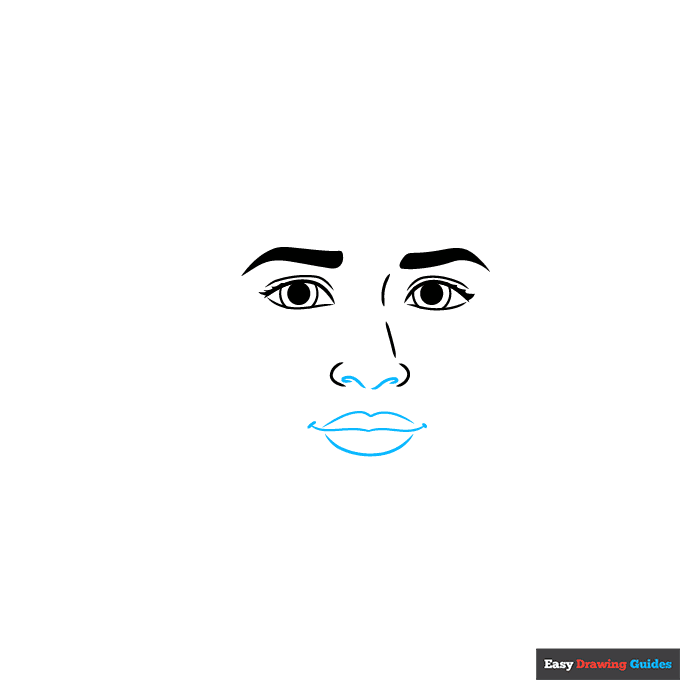
4. Detail the nostrils using short curved lines that double back on themselves. Then use three long curved lines to sketch the lips. Draw short lines at the corners of the mouth.
Drawing Step 5
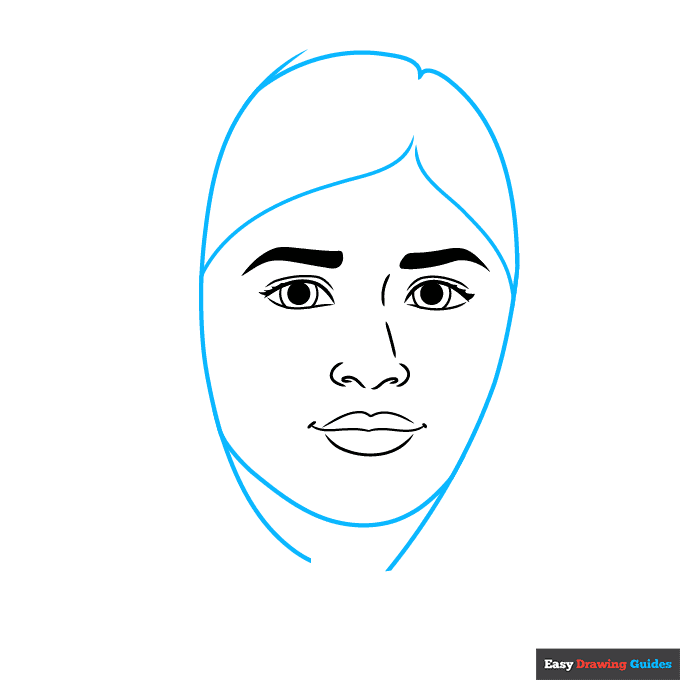
5. Use a series of long, overlapping curved lines to sketch Malala's hair and the edges of her hijab or headscarf.
Drawing Step 6
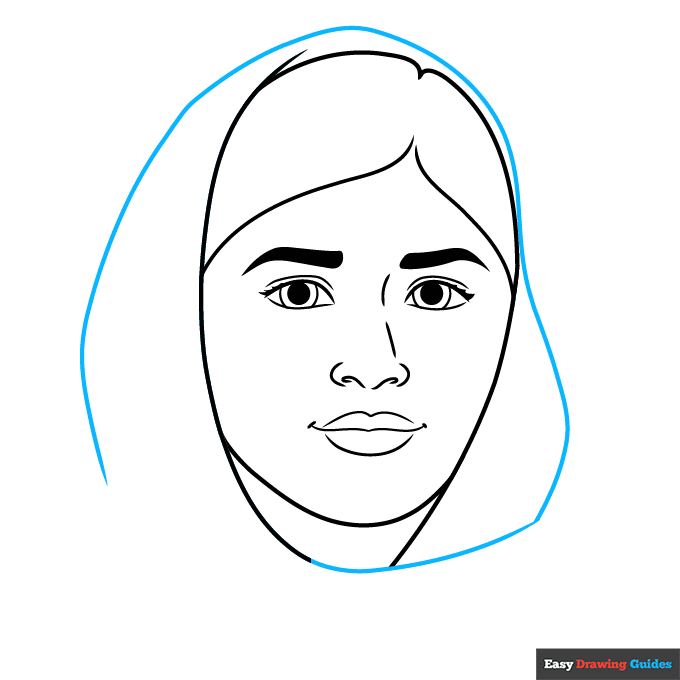
6. Extend one of the lines along her neck so that it spirals around the top of her head, enclosing the top and sides of the hijab.
Drawing Step 7
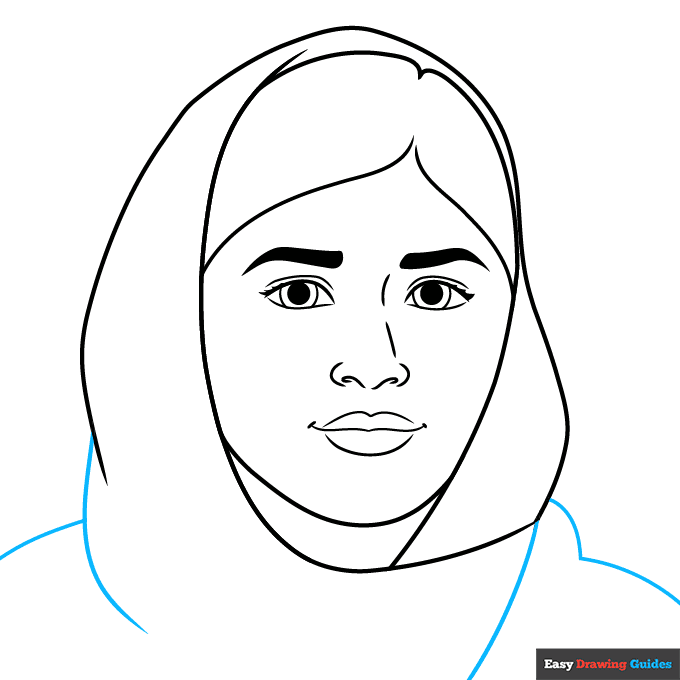
7. Draw long curved lines to continue the scarf as it hangs around her neck and to sketch her shoulders.
Add More Details to Your Malala Yousafzai Picture - Step 8
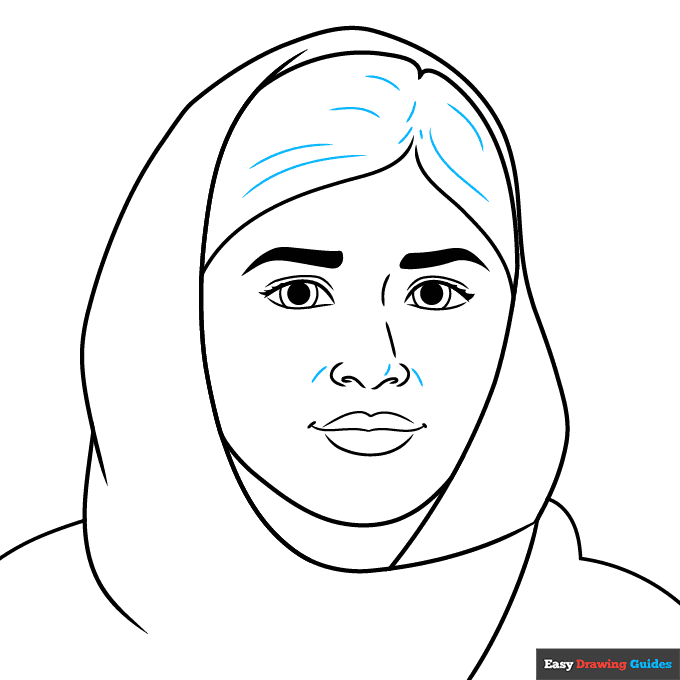
8. Texture Malala's hair with curved lines, and contour around her nose with short curved lines.
Complete the Outline of Your Malala Yousafzai Drawing - Step 9
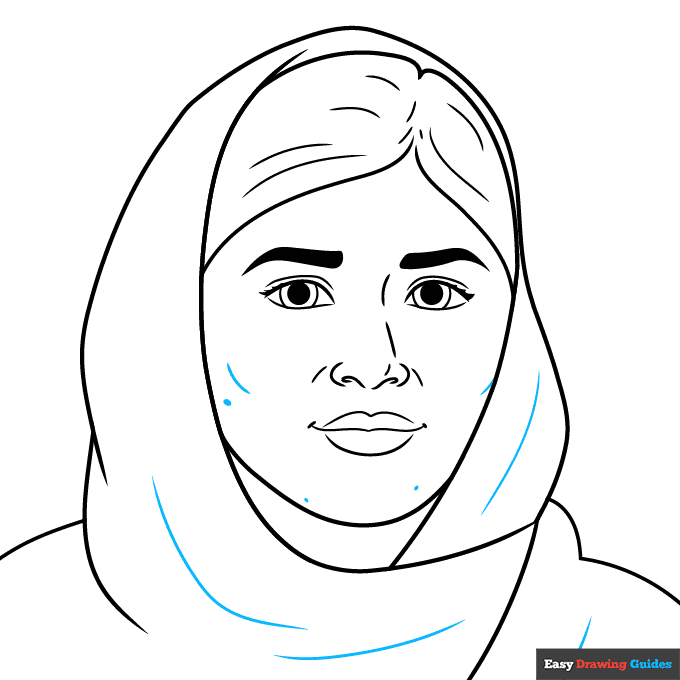
9. Contour the cheekbones and cloth with curved lines. Shade a few freckles on her chin and cheek.
Color Your Malala Yousafzai Drawing
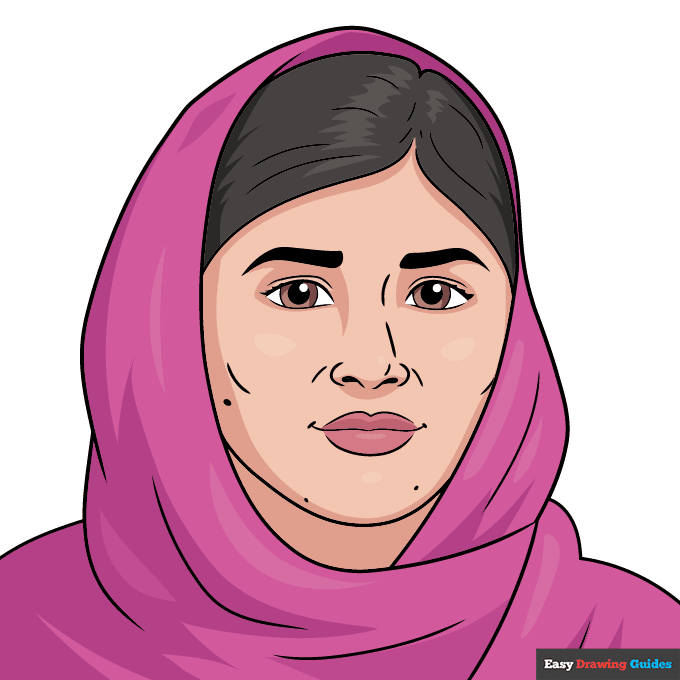
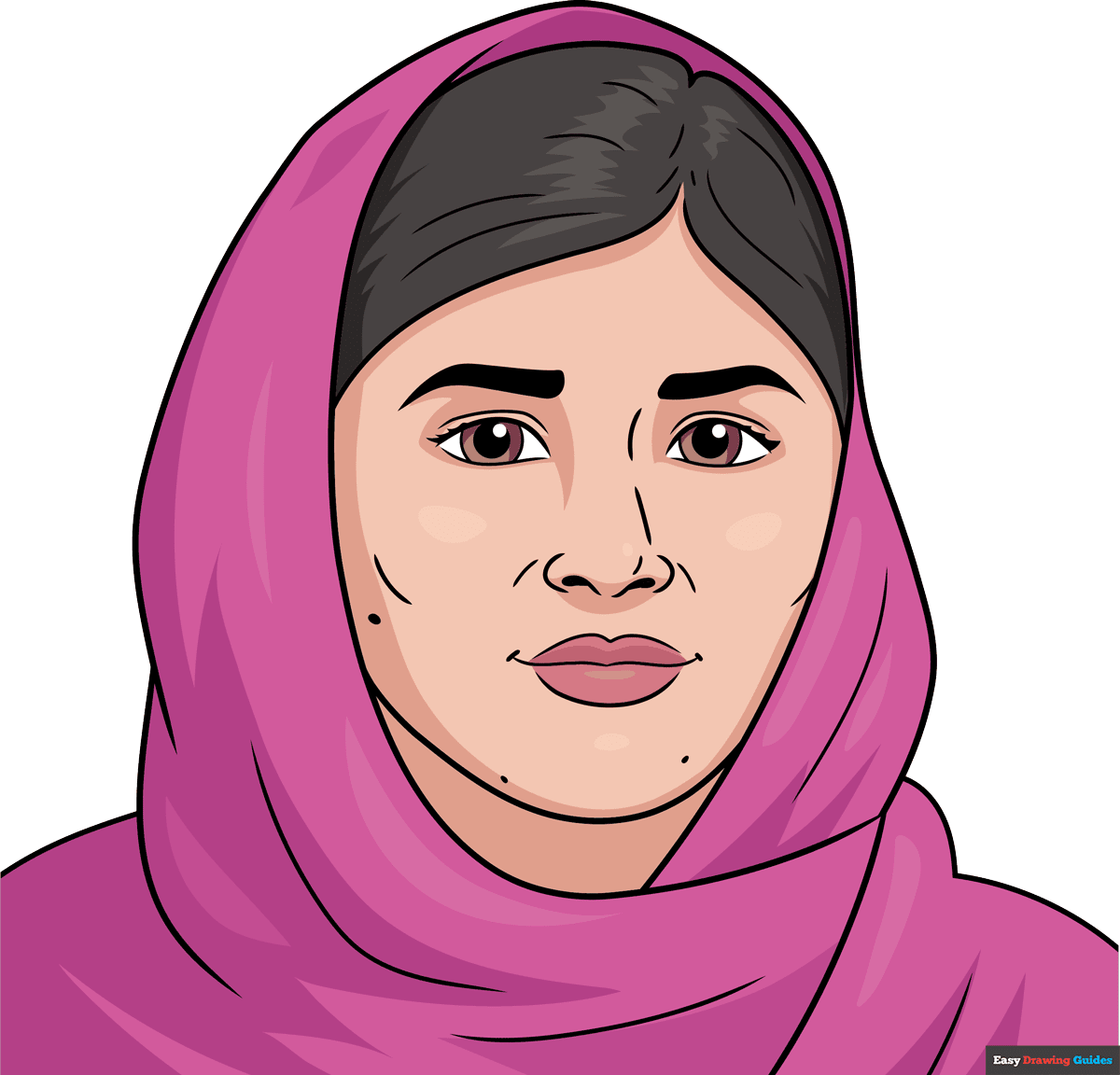
Your Malala Yousafzai outline is now complete. Color your portrait. Malala has tan skin, brown eyes, and dark brown hair. She has often been photographed wearing pink or burgundy hijabs.
For more great realistic pictures drawing tutorials, see the collection of How to Draw Realistic Pictures for Kids.
Watch 'How to Draw Malala Yousafzai' Video Tutorial
Learn More About The Malala Yousafzai Drawing
Malala Yousafzai is one of the faces of modern activism. This easy, step-by-step portrait drawing tutorial can help you learn how to draw Malala Yousafzai.
Malala is famous for fighting for the rights of girls to get an education. She lived in a place where girls were not allowed to go to school.
She wrote a blog about what life there was like and gave speeches. In 2014, when she was just seventeen years old, she won a Nobel Prize for her efforts.
Malala even survived when bad people tried to kill her, to stop her from fighting for women's rights.
Today, girls in her home country are allowed to go to school, and she is still working hard to make life better for people around the world.
Malala wears a headscarf called a hijab, as you can see in the picture. It is a symbol of her Islamic faith. You can learn how to draw a mosque, a place of worship in Islam.
For more easy and fun guides, see the How to Draw Jackie Robinson or Frida Kahlo Drawing tutorials.
Malala Yousafzai Drawing Tutorial - Easy & Fun Printable Pages
Join now and get immediate access to thousands of printable drawing instruction and practice pages!
Learn how to get access to thousands of printable pages!

MEMBER TROUBLESHOOTING
Still seeing ads or not being able to download the PDF?
First, check that you're logged in. You can log in on the member login page.
If you're still not able to download the PDF, the likely solution is to reload the page.
You can do this by clicking the browser reload button.
It is a circular arrow-shaped icon at the top of the browser window, typically found in the upper-left side (you can also use keyboard shortcuts: Ctrl+R on PC and Command+R on Mac).