
Learn how to draw a great looking Patrick Mahomes with easy drawing instructions and video tutorial.
By following the simple steps, you too can easily draw a perfect Patrick Mahomes.
Step-by-Step Instructions for Drawing Patrick Mahomes

How to Draw a Great Looking Patrick Mahomes for Kids and Beginners - Step 1
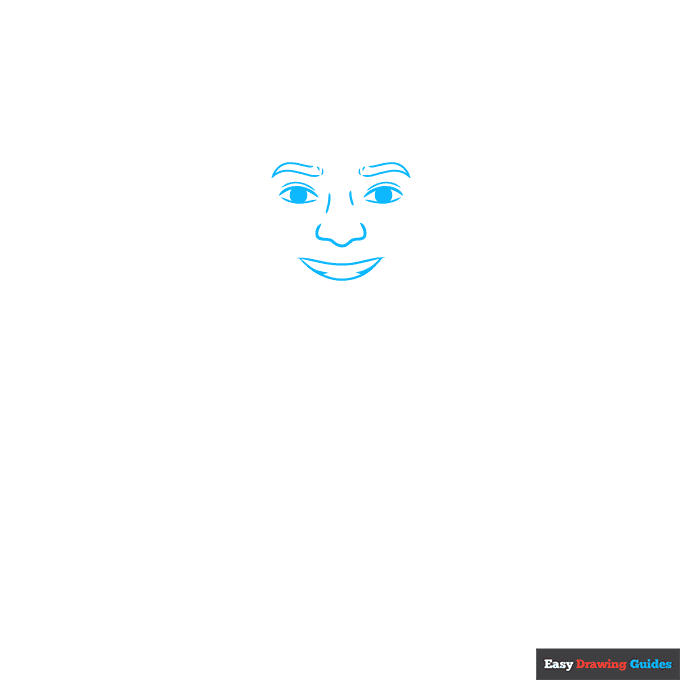
1. Draw two lemon shapes with circles inside them. Add a curve above each eye, then draw narrow triangles and dashes for the eyebrows. Sketch curves between the eyes, and add a rounded W-shape underneath.
For the mouth, draw a banana shape with two small triangles inside it.
Drawing Step 2
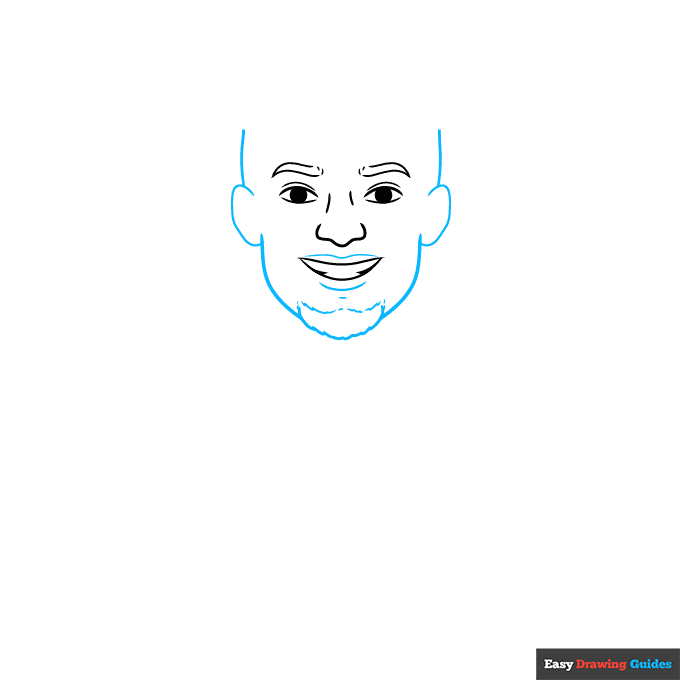
2. Add curves around the mouth. Sketch two ovals for the ears, then add two vertical lines above them and surround the mouth with a large U-shape. Draw dashes and small triangles on the chin.
Unlock AD FREE and PRINTABLE drawing and coloring tutorials
- 2,600+ drawing & coloring PDFs
- 50+ ebooks
- Ad-free website
Drawing Step 3
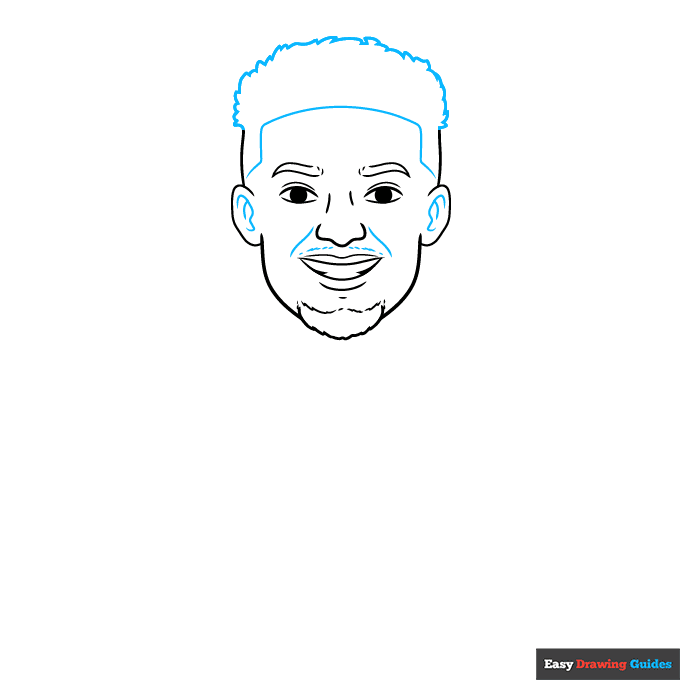
3. Draw curves inside the ears, and sketch more lines above the mouth. For the hair, draw a scraggly curved line with lots of small triangles, then add a horizontal curve and four straight lines underneath.
Drawing Step 4
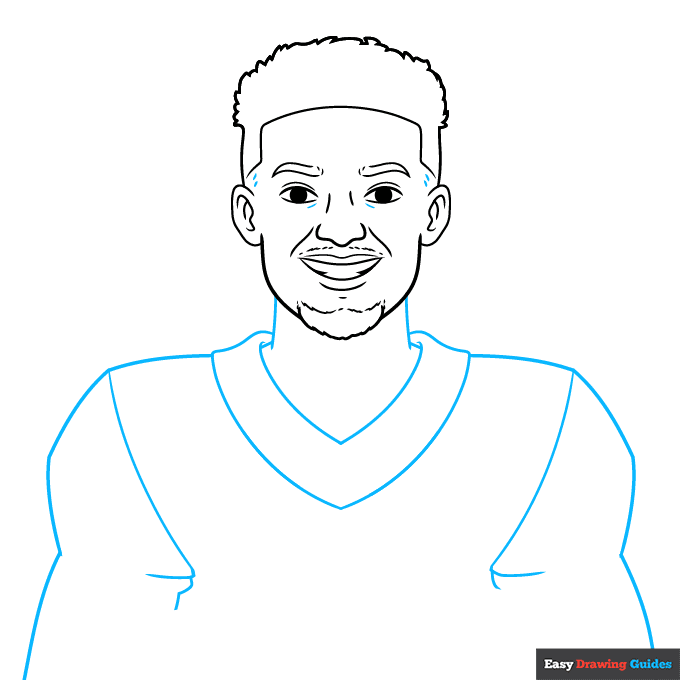
4. Add dashes above the ears. Start the neck with two vertical lines, then draw two V-shapes underneath. Outline the shoulders with curved and straight lines.
Drawing Step 5
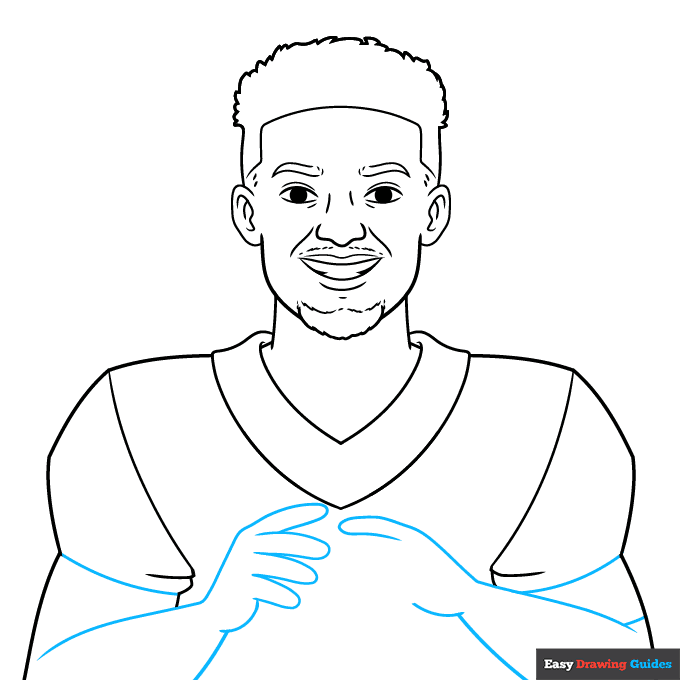
5. Use curves for the arms, then draw hot dog shapes for the fingers. Sketch four fingers on the left hand and one finger on the right hand.
Drawing Step 6
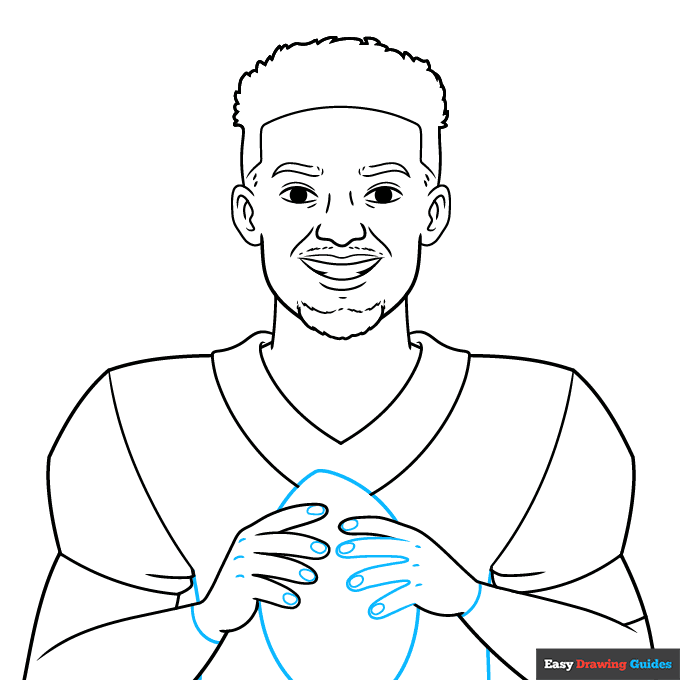
6. Add three more fingers on the right hand, then draw dashes and ovals inside the hands. Sketch more lines on the body, and outline the football with a large lemon shape.
Drawing Step 7
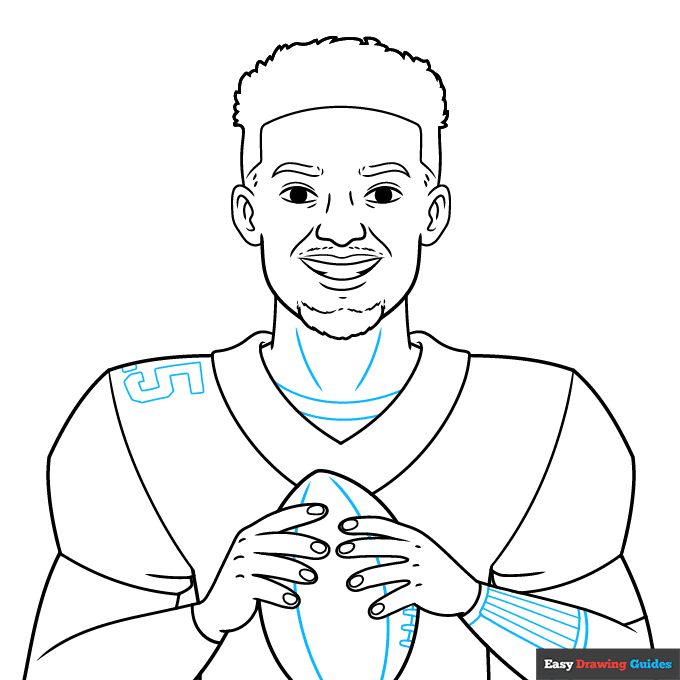
7. Draw curves and small rectangles on the football. Sketch curves inside the neck, then add curves and narrow rectangles on the right arm. Outline the number five and a small rectangle on the left shoulder.
Add More Details to Your Patrick Mahomes Picture - Step 8
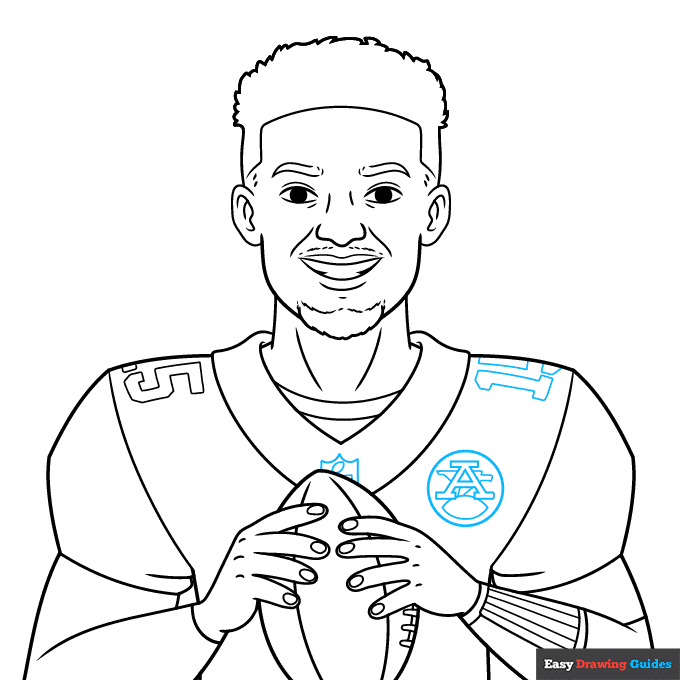
8. For the shield on the collar, draw two curves and two straight lines, then add a small oval and triangle.
Add a circle on the right, then outline the letter A with a lemon shape underneath and rectangular shapes behind the letter. Outline the number one and two rectangles on the right shoulder.
Complete the Outline of Your Patrick Mahomes Drawing - Step 9
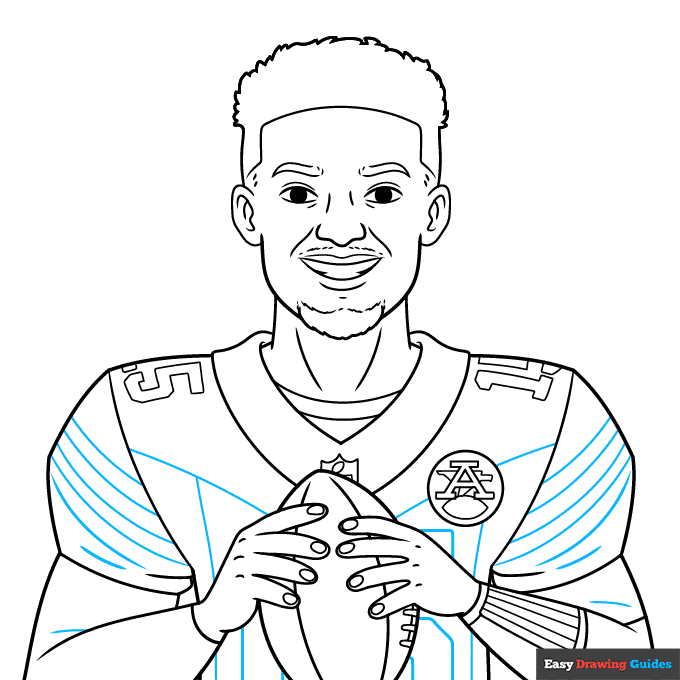
9. Sketch more lines and curves across the jersey for added detail.
Color Your Patrick Mahomes Drawing

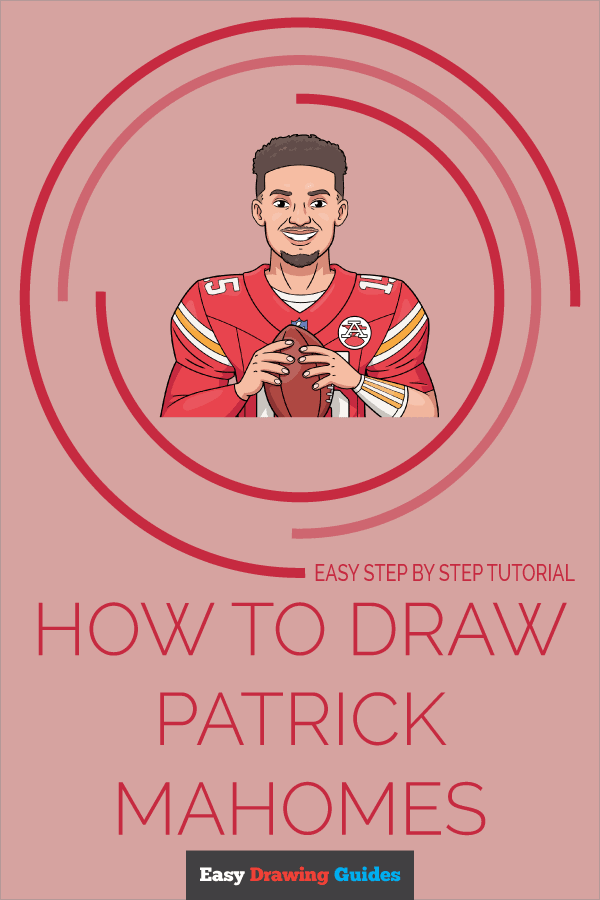
Color your easy Patrick Mahomes drawing with shades of red, yellow, blue and white on the jersey. Use brown for the football, then make the skin tan and color the hair with shades of dark brown.
Watch 'How to Draw Patrick Mahomes' Video Tutorial
Learn More About The Patrick Mahomes Drawing
Patrick Mahomes is a famous football player. Learn how to draw Patrick Mahomes with a football in his hands.
Most people know Patrick Mahomes as the quarterback for the Kansas City Chiefs. This team has bright red jerseys with white and yellow highlights.
When you color his jersey, use the brightest shade of red that you can find, and shade the white areas with light grey.
His jersey has the number 15 on the front. However, since he's holding a football in front of him, you can't see the entire number. Study the example in this drawing guide to see which parts to draw and which parts to leave out.
If you want to sketch more athletes, learn how to draw Cristiano Ronaldo or try this step-by-step Erling Haaland drawing guide.
Patrick Mahomes Drawing Tutorial - Easy & Fun Printable Pages
Join now and get immediate access to thousands of printable drawing instruction and practice pages!
Learn how to get access to thousands of printable pages!

MEMBER TROUBLESHOOTING
Still seeing ads or not being able to download the PDF?
First, check that you're logged in. You can log in on the member login page.
If you're still not able to download the PDF, the likely solution is to reload the page.
You can do this by clicking the browser reload button.
It is a circular arrow-shaped icon at the top of the browser window, typically found in the upper-left side (you can also use keyboard shortcuts: Ctrl+R on PC and Command+R on Mac).