
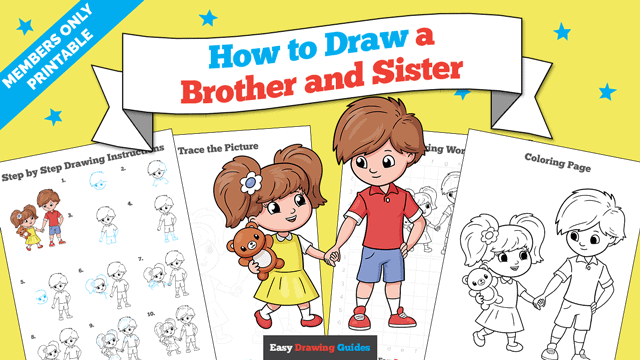
Learn how to draw a great looking Brother and Sister with easy drawing instructions and video tutorial.
By following the simple steps, you too can easily draw a perfect Brother and Sister.
Step-by-Step Instructions for Drawing a Brother and Sister
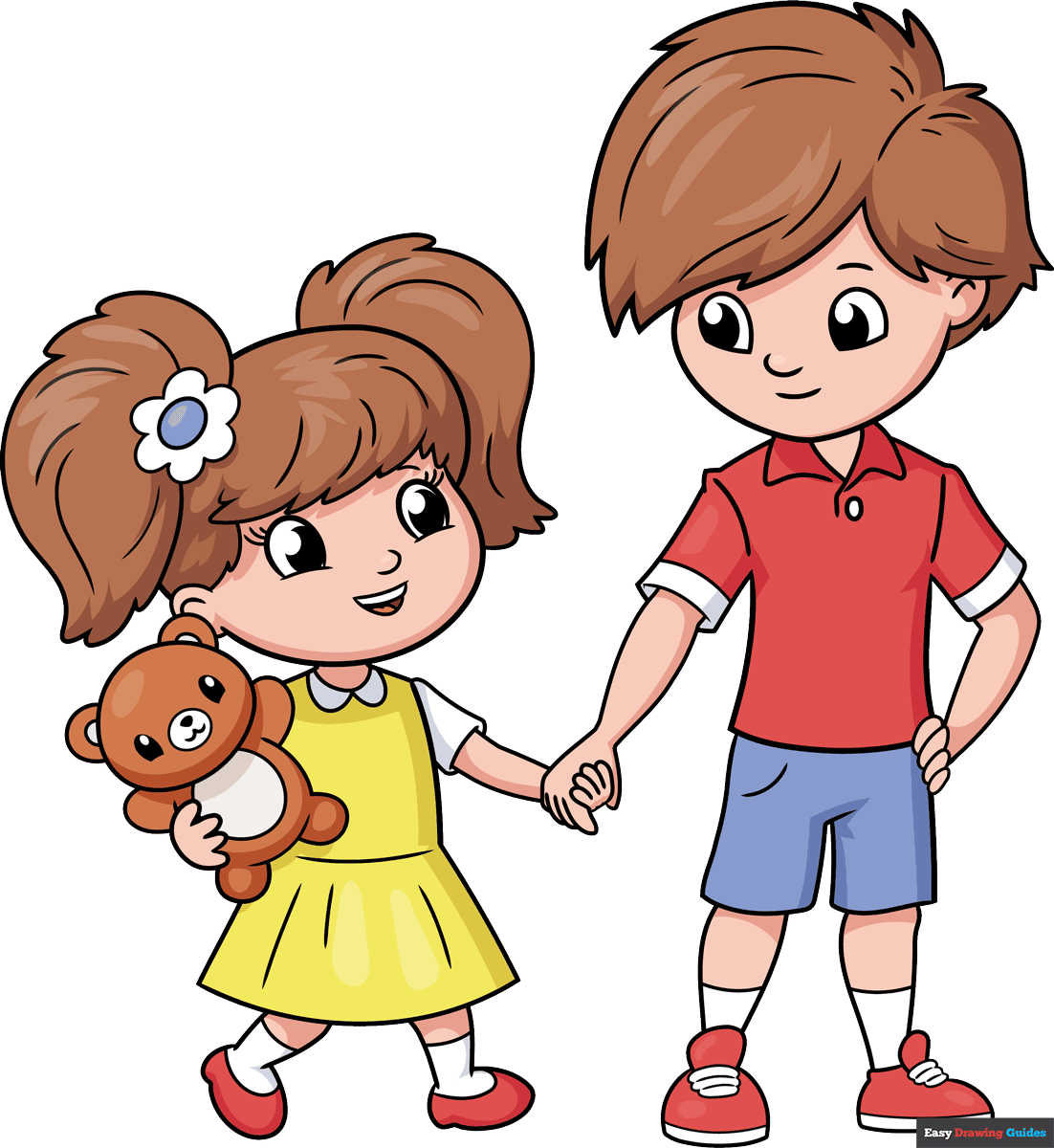
How to Draw a Great Looking Brother and Sister for Kids and Beginners - Step 1
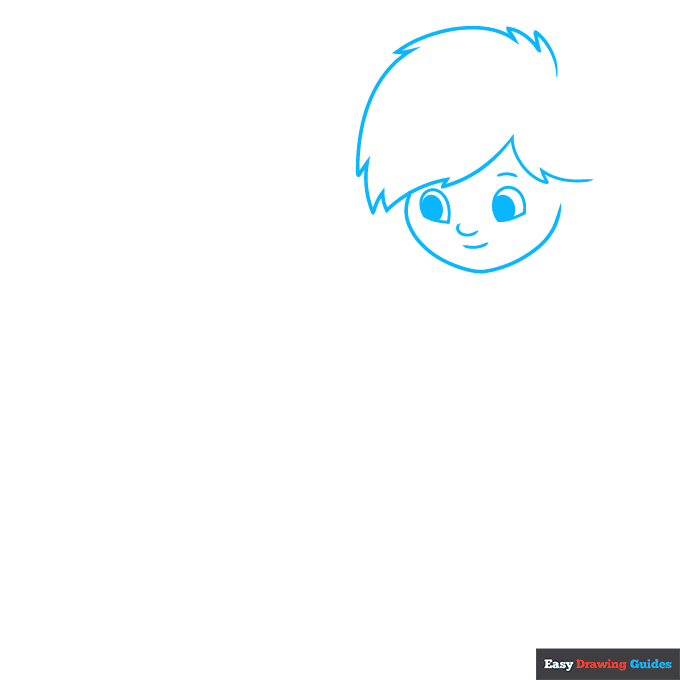
1. For the eyes, draw two domes with flat bottoms and sketch ovals inside them. Add two curves between the eyes, then add another curve above the right eye and outline the face with a loose heart shape.
For the hair, draw wide curves and narrow triangles.
Drawing Step 2
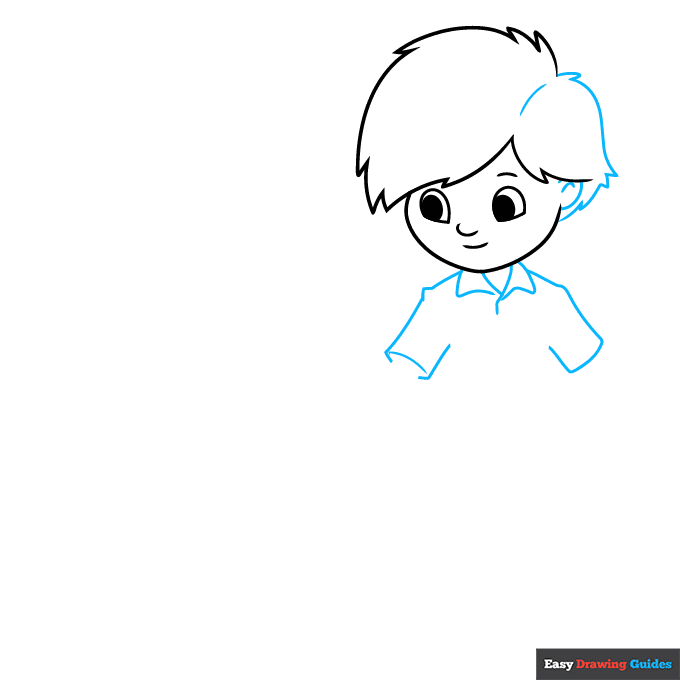
2. Draw an oval and a curve for the ear, then complete the hair. Add three triangles below the neck.
Use diagonal lines and a small triangle for the shoulders, then outline the sleeves with more diagonal lines and short curves.
Unlock AD FREE and PRINTABLE drawing and coloring tutorials
- 2,600+ drawing & coloring PDFs
- 50+ ebooks
- Ad-free website
Drawing Step 3
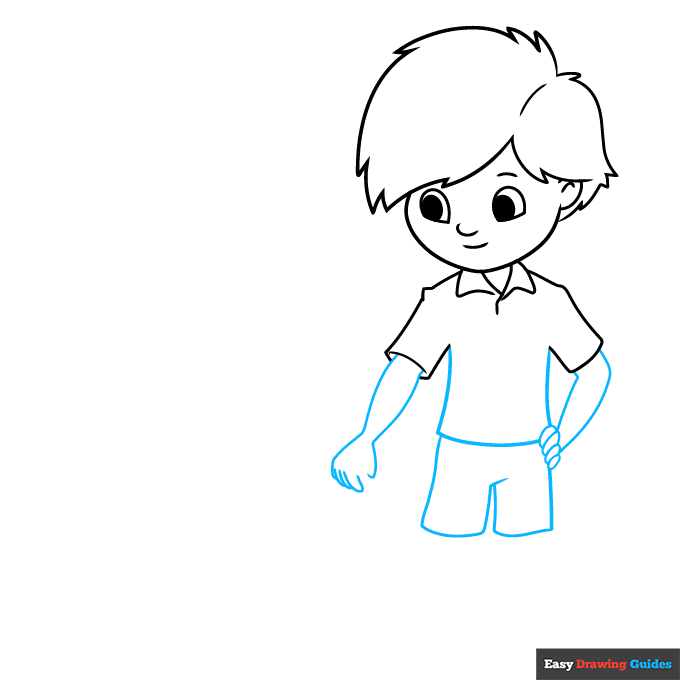
3. Complete the shirt with two vertical lines and a horizontal curve. For the pants, draw two vertical lines, add a triangle between them and sketch two horizontal lines. Next, use two curves for the left arm, then draw two shorter curves and use hot dog shapes for the fingers.
On the right, add four diagonal lines and four bean shapes.
Drawing Step 4
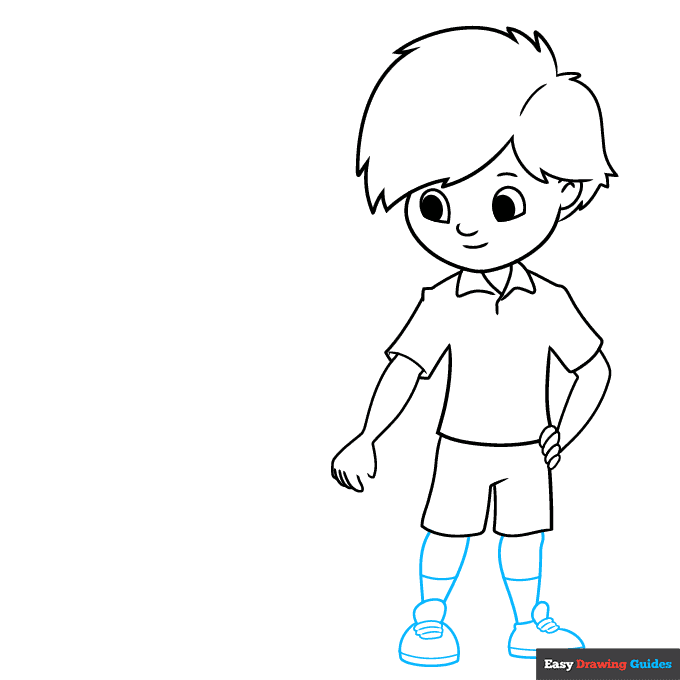
4. Outline the legs with vertical curves, and sketch horizontal curves between them. For the left shoe, sketch a dome with a curve on the bottom and three hot dog shapes above it, then add a loose oval on top.
Draw a stretched-out dome for the right shoe, then repeat the previous step.
Drawing Step 5
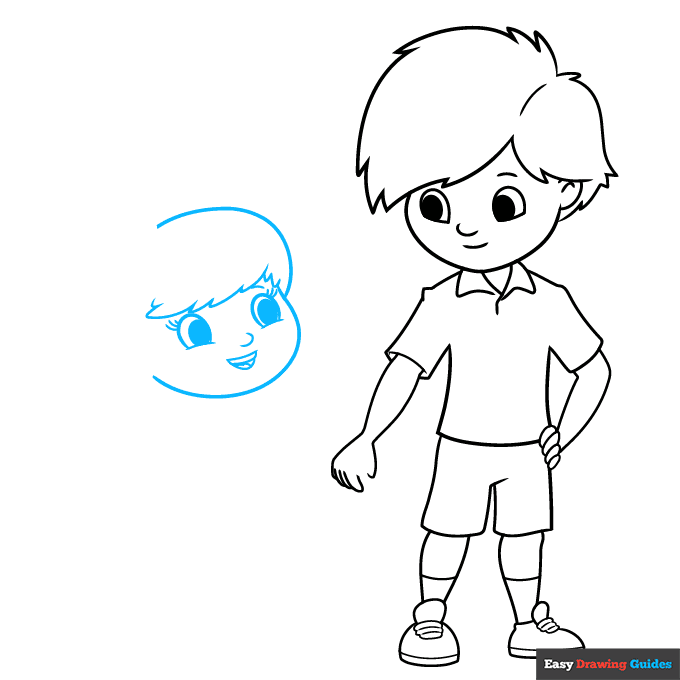
5. For the sister's eyes, draw domes with curved bottoms. Add ovals inside them, and use dashes for the eyelashes.
Sketch curves between the eyes and above the right eye, then draw a triangle with lines inside it. Draw a wide curve above the head, then add sketchy triangles underneath.
Drawing Step 6
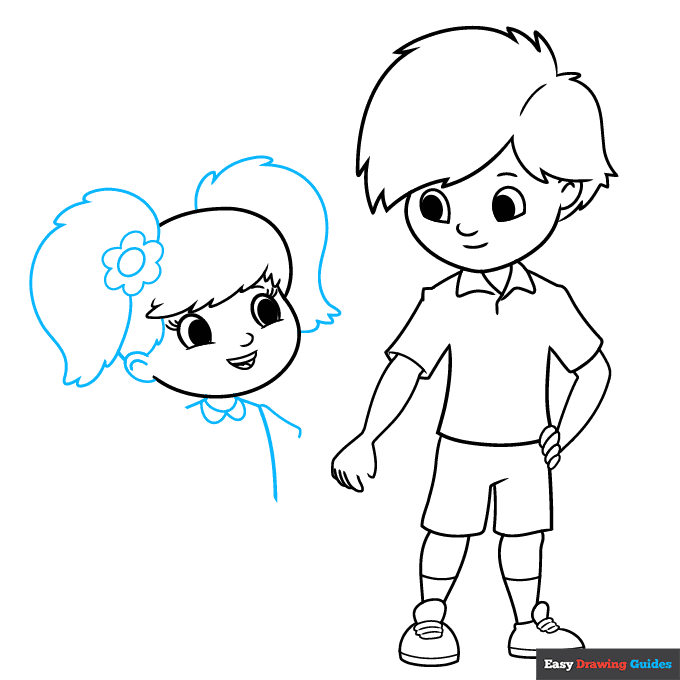
6. Add an oval and a curve for the ear, then draw the flower with an oval and small hills. Outline the hair with large curves and small triangles. Under the neck, draw three semi-ovals and several straight lines.
Drawing Step 7
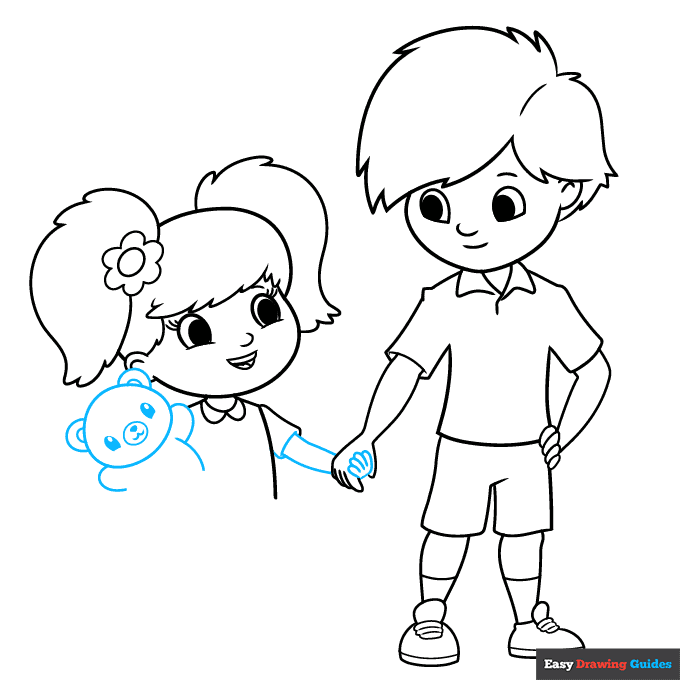
7. Use curves and small bean shapes for the right arm. On the left, add an oval with dome-shaped eyes and an oval with small shapes inside it, then sketch curves around the body.
Add More Details to Your Brother and Sister Picture - Step 8
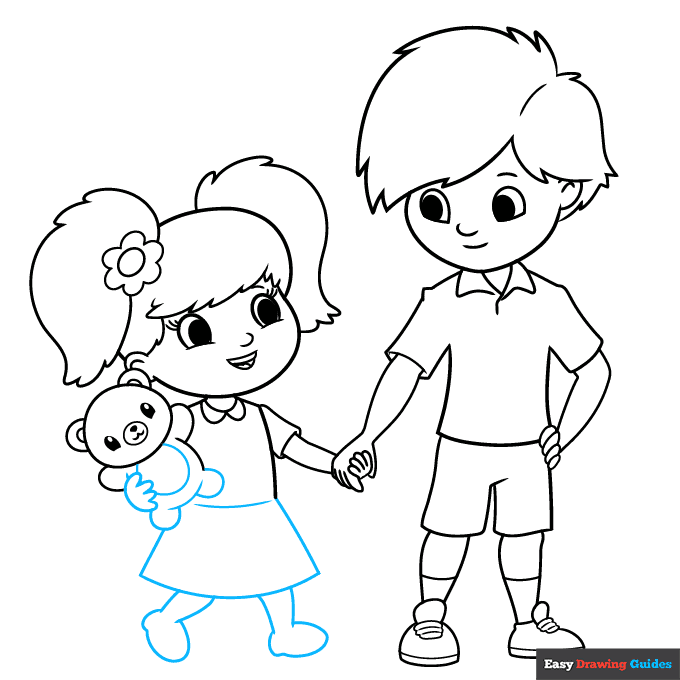
8. Complete the bear with more ovals and curves. For the skirt, draw two diagonal lines and two curves. Draw the feet with curves and uneven ovals.
Complete the Outline of Your Brother and Sister Drawing - Step 9
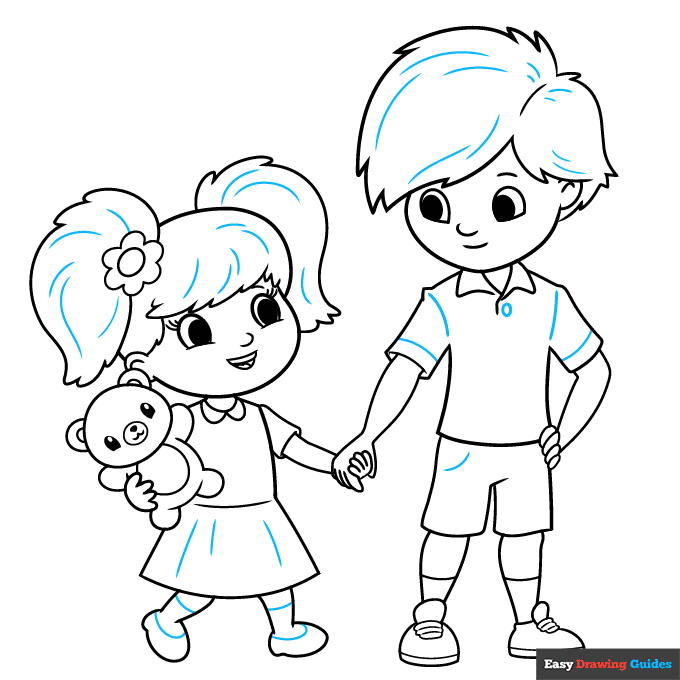
9. Sketch more lines and shapes inside the characters' bodies for added detail.
Color Your Brother and Sister Drawing
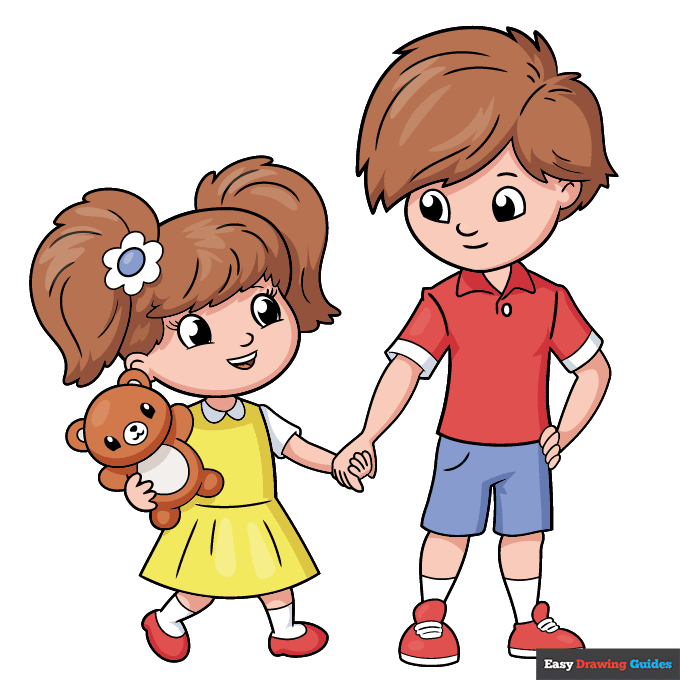
Color your brother and sister with your favorite hair and skin colors. Make the bear brown, and use bright shades for the clothes.
Watch 'How to Draw a Brother and Sister' Video Tutorial
Click HERE to save the tutorial to Pinterest!
Learn More About The Brother and Sister Drawing
Do you have a favorite sibling at home? Learn how to draw a brother and sister in a simple art style.
In this sketch, the sister is younger than the brother. To depict their ages, you'll make the sister shorter and give her pigtails to show that she's a young child. Notice how the sister's body is mostly curves, while the brother's body has a few sharper edges.
If you enjoy drawing people, learn how to draw a cartoon couple, try an easy black girl drawing guide or check out this step-by-step pretty girl drawing tutorial.
Brother and Sister Drawing Tutorial - Easy & Fun Printable Pages
Join now and get immediate access to thousands of printable drawing instruction and practice pages!
Learn how to get access to thousands of printable pages!

MEMBER TROUBLESHOOTING
Still seeing ads or not being able to download the PDF?
First, check that you're logged in. You can log in on the member login page.
If you're still not able to download the PDF, the likely solution is to reload the page.
You can do this by clicking the browser reload button.
It is a circular arrow-shaped icon at the top of the browser window, typically found in the upper-left side (you can also use keyboard shortcuts: Ctrl+R on PC and Command+R on Mac).