
Learn how to draw a great looking Mouth Anatomy Diagram for Kids with easy drawing instructions and video tutorial.
By following the simple steps, you too can easily draw a perfect Mouth Anatomy Diagram for Kids.
Step-by-Step Instructions for Drawing a Mouth Anatomy Diagram for Kids

How to Draw a Great Looking Mouth Anatomy Diagram for Kids for Kids and Beginners - Step 1

1. Begin the mouth anatomy diagram for kids outline by drawing a large, irregular rounded shape. Then, draw another, larger shape around it. These are the lips of the open mouth.
Drawing Step 2
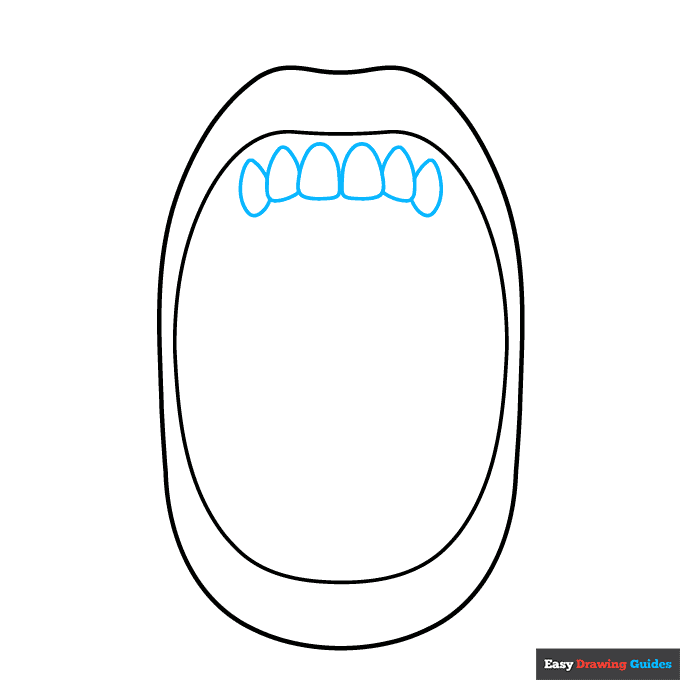
2. Draw a series of irregular, flattened teardrop shapes along the top of the mouth. These are the teeth.
Unlock AD FREE and PRINTABLE drawing and coloring tutorials
- 1,900+ drawing & coloring PDFs
- 50+ ebooks
- Ad-free website
Drawing Step 3

3. Continue drawing overlapping rounded shapes to form more teeth.
Drawing Step 4
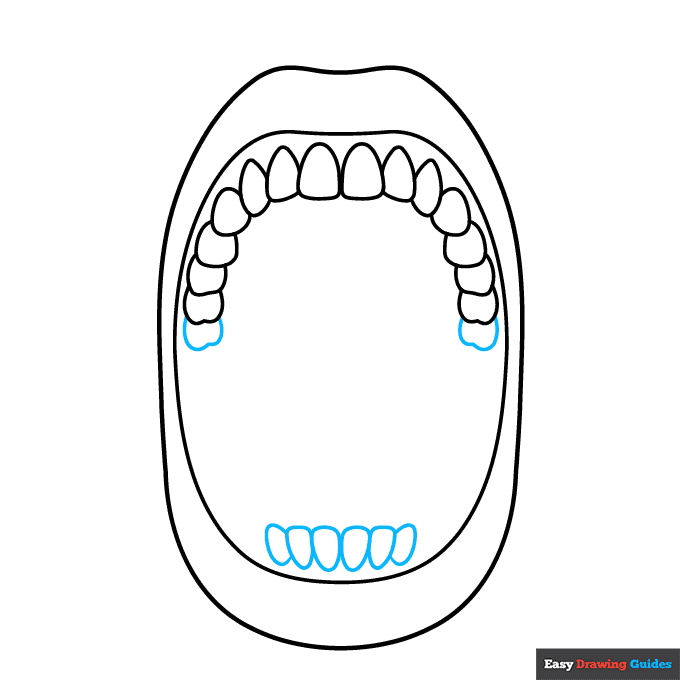
4. Begin drawing irregular oval shapes at the bottom of the mouth to form more teeth. Enclose another irregularly shaped molar on each side of the top of the mouth as well.
Drawing Step 5
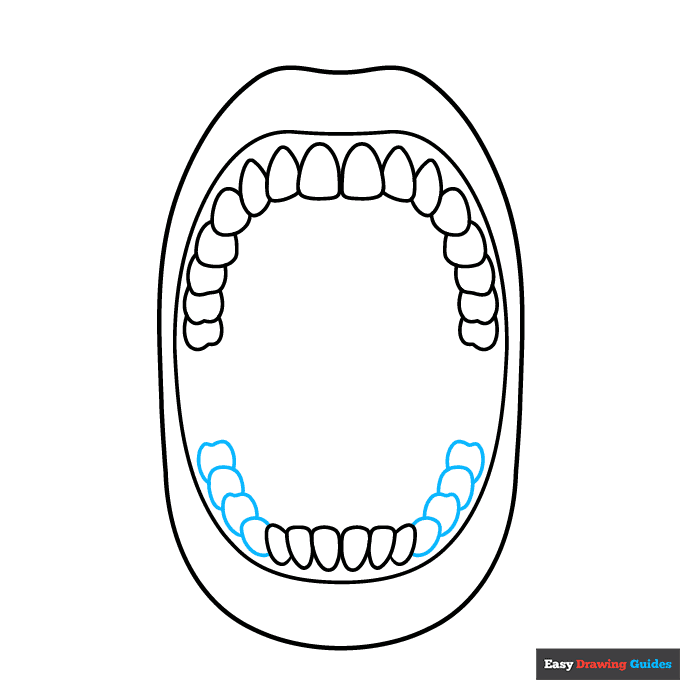
5. Continue to enclose the overlapping irregular shapes of the teeth on the bottom of the mouth.
Drawing Step 6
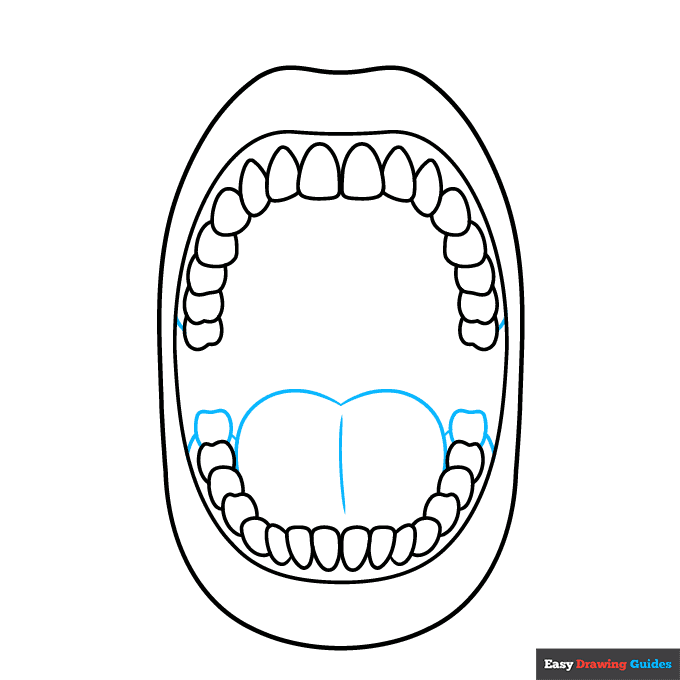
6. Enclose the final bottom molars, then use curved lines to draw the heart like shape of the tongue. Contour the center of the tongue with a curved line.
Then, draw short lines between the sides of the mouth and the last molar - and the tongue and final molar - to indicate the gums.
Drawing Step 7
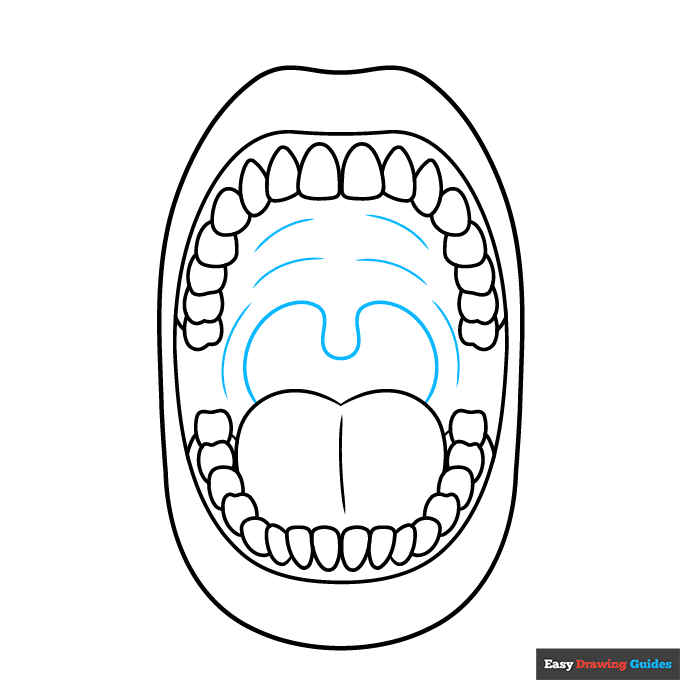
7. Use a long curved line to enclose the throat and uvula behind the tongue. Texture the top of the mouth - called the soft palate - with curved lines.
Add More Details to Your Mouth Anatomy Diagram for Kids Picture - Step 8
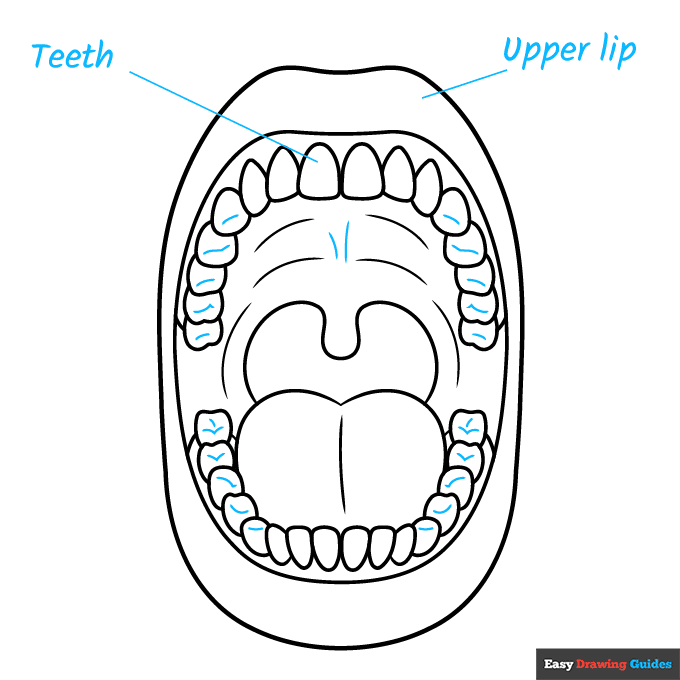
8. Texture the teeth with curved lines, lending them detail and a three-dimensional effect. Draw two curved lines in the middle of the roof of the mouth.
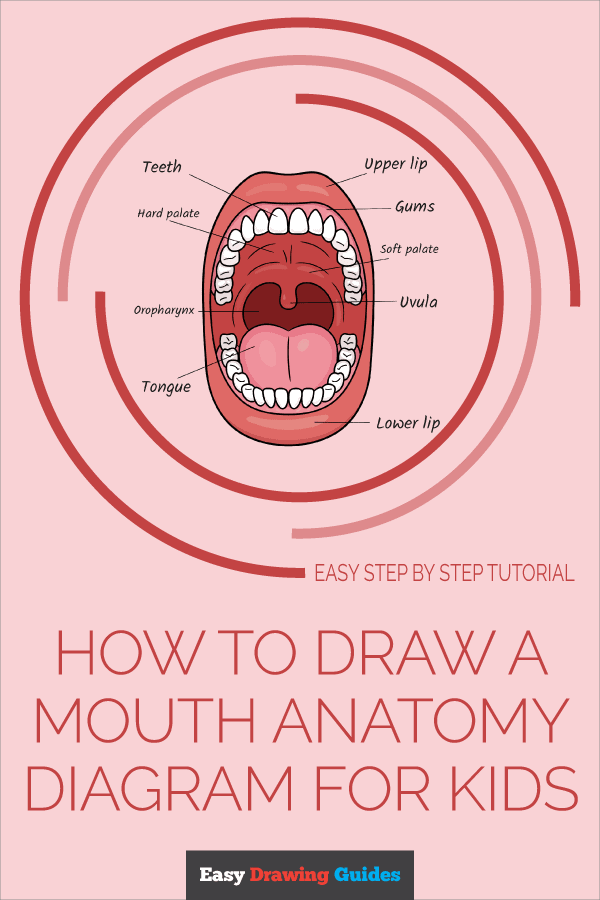
Then, begin labeling the parts of the mouth. Start with the teeth and upper lip. Draw straight lines from the vocabulary terms to the parts of the mouth they describe.
Complete the Outline of Your Mouth Anatomy Diagram for Kids Drawing - Step 9
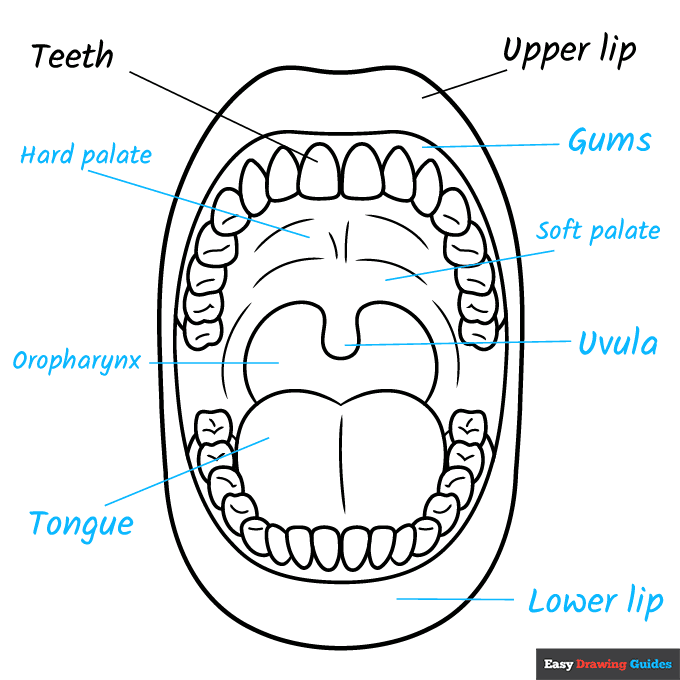
9. Continue labeling the parts of the mouth. Working clockwise, label the gums, soft palate, uvula, lower lip, tongue, oropharynx, and hard palate.
Color Your Mouth Anatomy Diagram for Kids Drawing
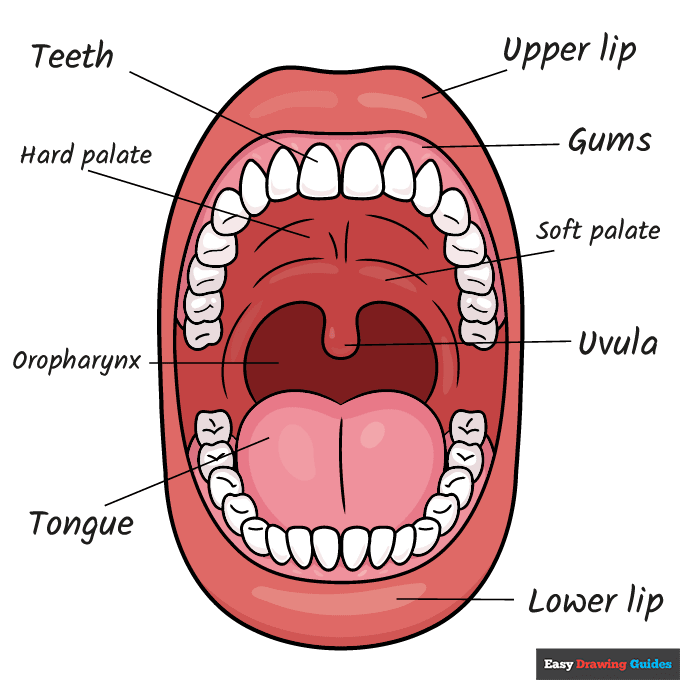
Your mouth anatomy diagram for kids is now complete. Color your drawing. Almost every part of the mouth is a shade of pink except for the teeth.
Watch 'How to Draw a Mouth Anatomy Diagram for Kids' Video Tutorial
Click HERE to save the tutorial to Pinterest!
Learn More About The Mouth Anatomy Diagram for Kids Drawing
Open wide and say "ahh." You don't have to wait for your next trip to the dentist to learn about what's going on inside your mouth.
You can learn how to draw a mouth anatomy diagram for kids with the help of this easy, step-by-step tutorial.
Maybe you're used to silly-looking mouth and tongue drawings with the tongue stuck out in a mischievous expression.
This picture is different. You'll be looking at the open mouth straight on so that you can clearly see what's inside.
This angle is what doctors and dentists see every day. Learning the parts of the mouth can help you prepare now for your future career.
What parts of the mouth do you already know about? You could probably identify a tooth drawing and the tongue. But there are many other important parts, as you will see.
Mouth Anatomy Diagram for Kids Drawing Tutorial - Easy & Fun Printable Pages
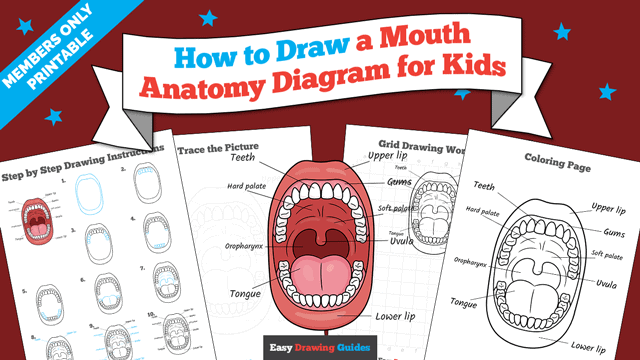
Join now and get immediate access to thousands of printable drawing instruction and practice pages!
Learn how to get access to thousands of printable pages!

MEMBER TROUBLESHOOTING
Still seeing ads or not being able to download the PDF?
First, check that you're logged in. You can log in on the member login page.
If you're still not able to download the PDF, the likely solution is to reload the page.
You can do this by clicking the browser reload button.
It is a circular arrow-shaped icon at the top of the browser window, typically found in the upper-left side (you can also use keyboard shortcuts: Ctrl+R on PC and Command+R on Mac).